Your students expect video. You know this already. They grew up on YouTube, they learn from TikTok, and they zone out when staring at a wall of text. But here's the problem — you're a teacher, not a filmmaker. You don't have time to learn Premiere Pro, you don't have a production budget, and you definitely don't have a free weekend to spend editing a 10-minute explainer on the water cycle. This guide is for you.
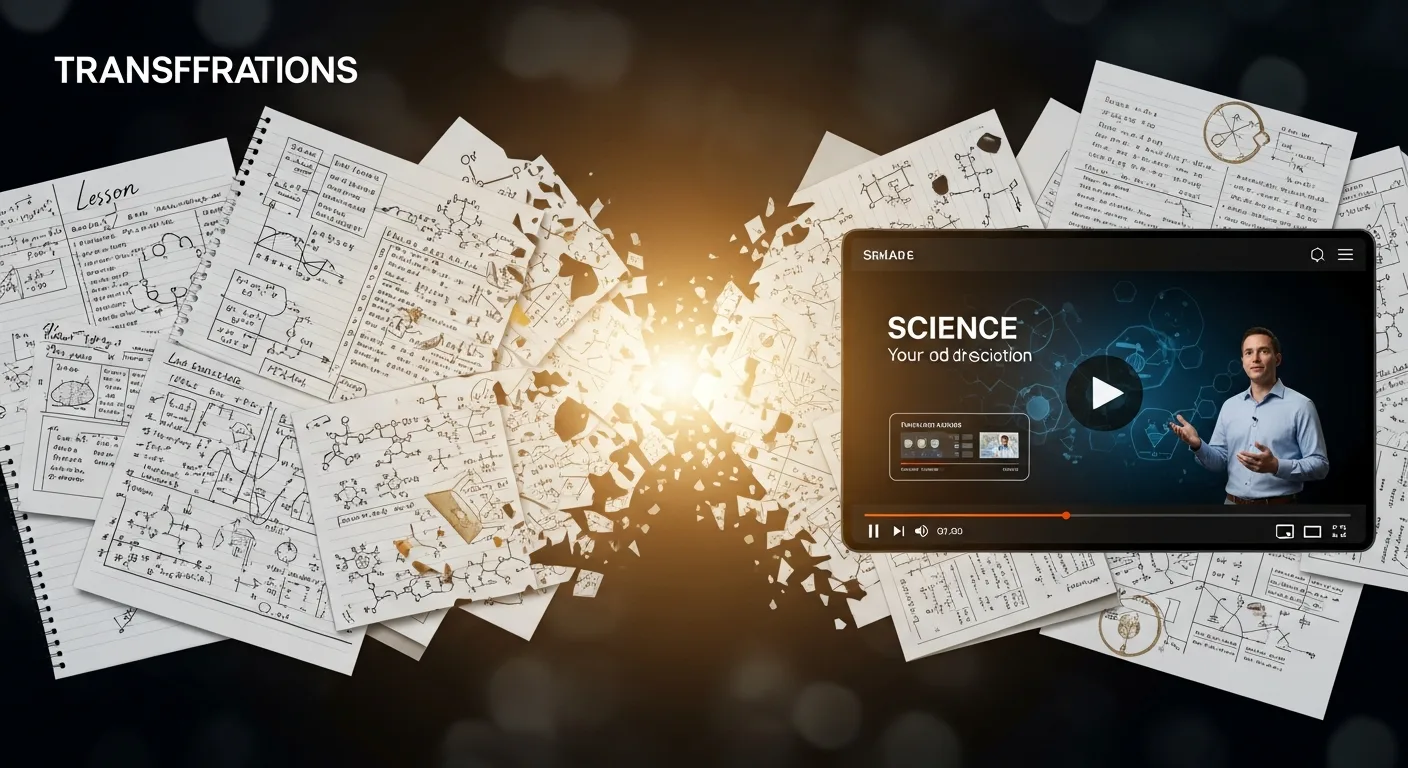
Whether you teach middle schoolers, run an online course, or build training programs for a company, AI video generation has reached the point where you can turn your lesson notes into a polished, narrated video in minutes — without touching any editing software. Let's walk through how it works, what it's good at, and how to get started today.
The Video Gap in Education
Here's a stat that should matter to every educator: students retain up to 95% of a message when they watch a video, compared to 10% when reading text. Video isn't a nice-to-have anymore. It's how this generation actually learns.
But look at the reality on the ground. Most teachers are still working with slide decks, PDFs, and maybe a screen recording with no editing. Online course creators know their completion rates would skyrocket with better video, but they're stuck choosing between expensive production or doing it themselves with tools they don't know how to use.
The gap is clear: students need video, educators can't easily produce it, and the result is either no video at all or low-quality recordings that don't hold anyone's attention.
AI closes that gap. Not by replacing you as the teacher — but by handling the production work so you can focus on what you're actually good at: the teaching itself.
Why Traditional Video Production Doesn't Work for Educators
If you've ever tried to make a "proper" educational video, you already know the pain points:
- Cost: Hiring a freelance editor runs $200-$500 per video. If you're building a 20-lesson course, that's $4,000-$10,000 just for editing — before you've spent a cent on footage, music, or narration. Compare that to our plans, which cost a fraction of a single freelance edit.
- Time: DIY editing eats 5-15 hours per video. Teachers barely have time to grade papers, let alone learn After Effects.
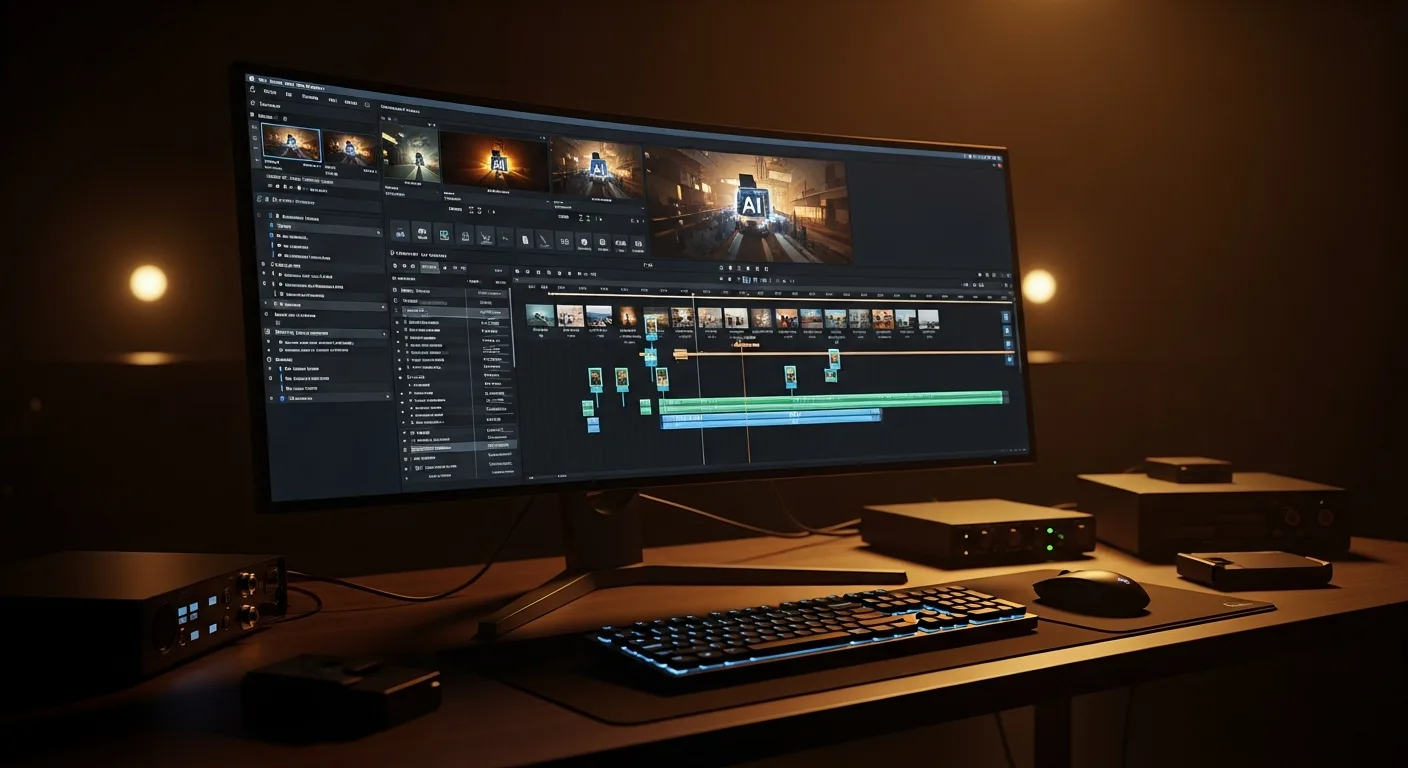
- Skill barrier: Modern editing software is powerful but overwhelming. The learning curve is steep, and most educators abandon it after one frustrating weekend.
- Equipment: Good lighting, microphones, cameras — the gear adds up fast and takes up space you probably don't have in your classroom or home office.
The result? Most educators settle for recording their screen while talking over slides. It works, technically. But it doesn't engage students the way a well-produced video does. And engagement is everything in education.
How AI Video Generation Actually Works for Education
Here's the simple version of what happens when you use AI to create an educational video:
- You provide the topic or lesson content. This can be as simple as "Explain photosynthesis for 8th graders" or as detailed as pasting in your full lecture notes.
- AI writes a video script. It structures your content into a clear narrative — introduction, key concepts, examples, summary — all optimized for video pacing.
- AI generates narration. A natural-sounding voice reads the script. You pick the voice style — warm and friendly for younger students, crisp and authoritative for professional training.
- AI matches visuals to every sentence. Relevant footage, images, and visual sequences are automatically selected and synced to the narration.
- Everything gets assembled. Narration, visuals, background music, and subtitles are combined into a finished video. You review it, make any tweaks, and it's ready to share.
The whole process takes about 5-10 minutes. No editing software. No filming. No stock footage subscriptions. You go from lesson notes to finished video in the time it takes to drink a cup of coffee.
Types of Educational Videos That Work Brilliantly With AI
Not every educational format needs AI video — but these ones benefit enormously from it:
Concept Explainers
"How does gravity work?" "What caused the French Revolution?" "Why do cells divide?" These single-concept explainer videos are the bread and butter of educational content. They're structured, focused, and map perfectly to how AI generates video — one clear narrative thread with supporting visuals.
Lecture Supplements
Instead of recording yourself talking for 45 minutes, create a polished 5-8 minute video that covers the core concepts. Students watch it before class (flipped classroom) or after class for revision. It's more engaging than a recording of you at a whiteboard, and it frees up class time for discussion and hands-on activities.
Revision and Summary Guides
End-of-unit review videos that recap the key points. Students love these before exams. They're short, focused, and easy to produce in batches — you could create an entire semester's worth of revision videos in a single afternoon.
Case Studies and Real-World Examples
"How a real company used supply chain management" or "The biology behind a real disease outbreak." These story-driven videos keep students engaged because they connect abstract concepts to things that actually happened. AI handles narrative content like this exceptionally well.
Onboarding and Training Videos
For corporate L&D teams — compliance training, software walkthroughs, company culture overviews. These are often needed in high volume, updated frequently, and don't justify paying a production company thousands of dollars each time a policy changes.
Step by Step: Turning Your Lesson Notes Into a Polished Video
Let's walk through a real example. Say you teach high school biology and you want to create a video on photosynthesis.
Step 1: Start With What You Already Have
You don't need to write anything from scratch. Pull up your existing lesson notes, textbook outline, or even the bullet points from your slide deck. If you're starting fresh or want a structured script, use our Script Generator — tell it the topic, the grade level, and how long you want the video to be. It creates a complete lesson script structured specifically for video.
Step 2: Set Your Video Parameters
Choose the video length (5 minutes is the sweet spot for most single-concept lessons), pick a narrator voice that fits your audience, and select the visual style. For educational content, a clean documentary style with stock footage works best — it looks professional without being distracting.
Step 3: Generate and Review
Hit generate and wait about 5-8 minutes. When it's done, watch it through once. Check that the script covers what you need, the pacing feels right, and the visuals match the content. If a scene about plant cells ended up with footage of a forest instead, swap it out — it takes seconds.
Step 4: Share With Students
Download the video and upload it to your LMS (Canvas, Google Classroom, Moodle), share it on YouTube as an unlisted video, or embed it directly in your course platform. Done.
Total time invested: about 15 minutes — including reviewing and making adjustments. Compare that to the 8-15 hours a manual edit would take.
Engagement Techniques That Keep Students Watching
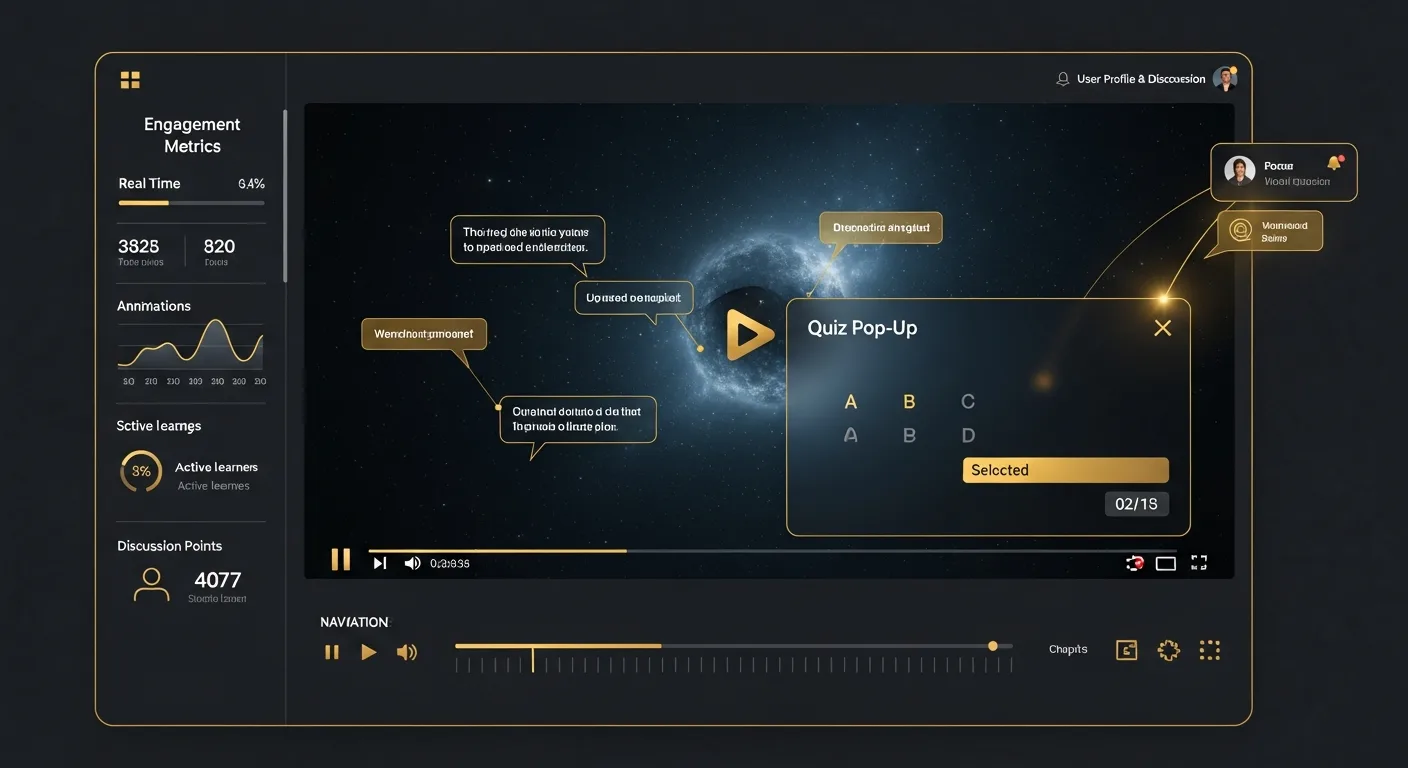
A video that students don't finish isn't much help. Here's how to keep them engaged from start to finish:
Hook Them in the First 10 Seconds
Don't start with "Today we're going to learn about photosynthesis." Start with something that creates curiosity: "Every piece of food you've ever eaten exists because of a process that happens inside a leaf. Here's how it works." The first sentence determines whether students keep watching or click away.
Keep Videos Focused and Short
Research consistently shows that educational video engagement drops sharply after 6 minutes. A focused 5-minute video covering one concept thoroughly beats a 20-minute lecture recording every time. If you have more to cover, break it into a series of short videos rather than one long one.
Use Questions as Transitions
Between sections, pose a question: "So if plants make their own food from sunlight, why do some plants grow in the shade?" This keeps the viewer's brain active and gives them a reason to keep watching for the answer.
End With a Clear Takeaway
The last 30 seconds should summarize the one thing you want students to remember. If they forget everything else, what's the single most important point? Make that crystal clear.
Scaling to a Full Course
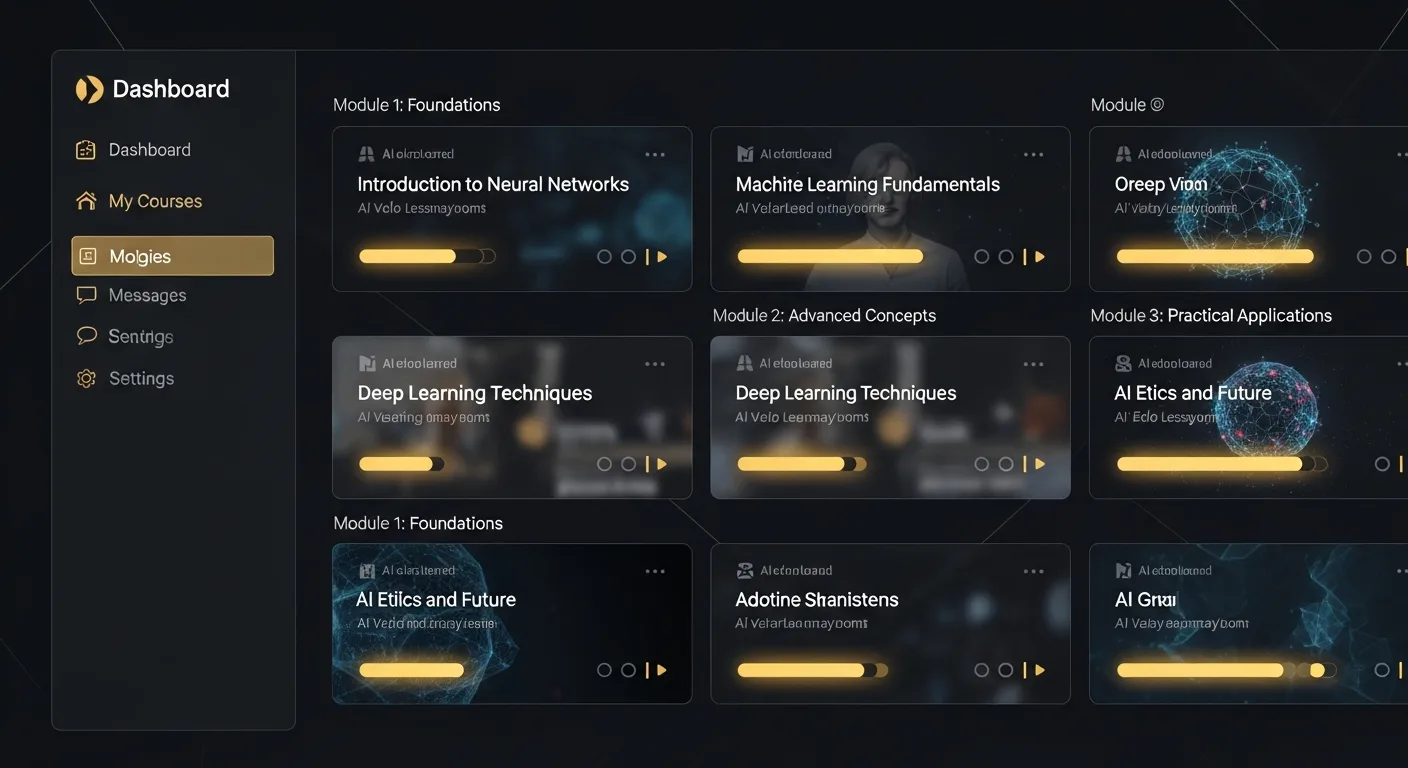
Once you've made one video and seen how straightforward it is, the natural next step is building a complete course. Here's how to think about scaling up.
Map Your Curriculum to Video
Take your syllabus or course outline and identify which topics benefit most from video. Not everything needs one — some topics are better served by readings, activities, or discussions. Focus on concepts that are visual, abstract, or frequently misunderstood. Those are where video adds the most value.
Batch Your Production
Don't make videos one at a time as you need them. Block out a Saturday morning and produce 10-15 videos in one session. With AI handling the production, you can realistically create a video every 10-15 minutes once you hit your rhythm. A 20-lesson course could be fully produced in a single day.
Build a Consistent Structure
Students learn better when they know what to expect. Give every video the same structure: a hook, an overview of what they'll learn, the core content broken into 2-3 sections, and a summary. This consistency reduces cognitive load and lets students focus on the material rather than figuring out the format.
Stuck on What Topics to Cover?
If you're building a course from scratch and aren't sure how to structure it, try our Ideas Generator. Give it your subject area and target audience, and it will suggest a full course outline with individual video topics. It's a surprisingly useful brainstorming partner when you're staring at a blank curriculum.
Corporate Training: The Overlooked Opportunity
Everything above applies to classroom educators, but there's a massive use case we haven't covered yet: corporate learning and development.
L&D teams face the exact same problem as teachers — they need to produce training content at scale, they don't have big production budgets, and the content needs updating constantly as policies, products, and processes change.
Consider the typical corporate training challenges:
- Compliance training that needs updating every time a regulation changes — and you can't wait 3 weeks for a production company to re-edit it.
- Product training for sales teams that needs to ship the same week a new feature launches.
- Onboarding videos that need to exist in multiple versions for different departments or regions.
- Soft skills training — leadership, communication, time management — where the content is evergreen but the budget to produce it professionally never seems to exist.
AI video generation solves all of these — it's the same shift we've seen play out in marketing agencies producing weeks of client content in hours. A compliance update that used to take weeks to re-produce can be regenerated in minutes. Product training can ship the same day the feature does. And the cost per video drops low enough that you can actually build the full training library you've always wanted, instead of the handful of videos your budget allows.
For L&D teams evaluating tools, the key question isn't "is the quality good enough?" — it is. The question is "how fast can we produce and update content?" That's where AI wins decisively.
Getting Started Today
If you've read this far, you're probably thinking about a specific lesson, course, or training program that would benefit from video. Good. Here's what to do next:
- Pick one topic — your most-asked-about lesson, your most confusing concept, or the module with the lowest engagement.
- Gather your notes — whatever you already have. Bullet points, slides, a textbook chapter, even just a topic sentence.
- Create a script — use our Script Generator to turn your notes into a structured lesson script, or just paste your notes directly into the video studio.
- Generate your first video — head to the studio, set your parameters, and hit generate. You'll have a finished video in under 10 minutes.
- Share it with students — and watch the reaction. Their feedback will tell you everything about whether this belongs in your teaching toolkit.
The technology is ready. The learning curve is essentially zero. And your students are already watching video to learn — the only question is whether they'll be watching yours. Curious how Slenvox compares to other options? Check our AI video generator comparison.
Ready to turn your next lesson into a video? Start creating for free — no editing experience or production budget required.