 Knowledge Team
 New Tax Rules, ExplainedPractice note · 5:10
 How We Run a Client ReviewGuide · 6:30
What the Firm Knows, in One Place
Turn practice notes and internal guides into short videos, kept in one shared workspace.
See Knowledge ManagementTurn a client report, a briefing deck or the firm's own know-how into a short narrated video with motion graphics and real footage, in the firm's brand and in any of 22 languages.
Free planNo credit card needed
Start from the reports and decks the firm already writes
On Team and Business plans, the knowledge team, trainers and business development work in one shared workspace, with one brand kit for the firm.
Book a DemoKnowledge TeamTurn practice notes and internal guides into short videos, kept in one shared workspace.
See Knowledge Management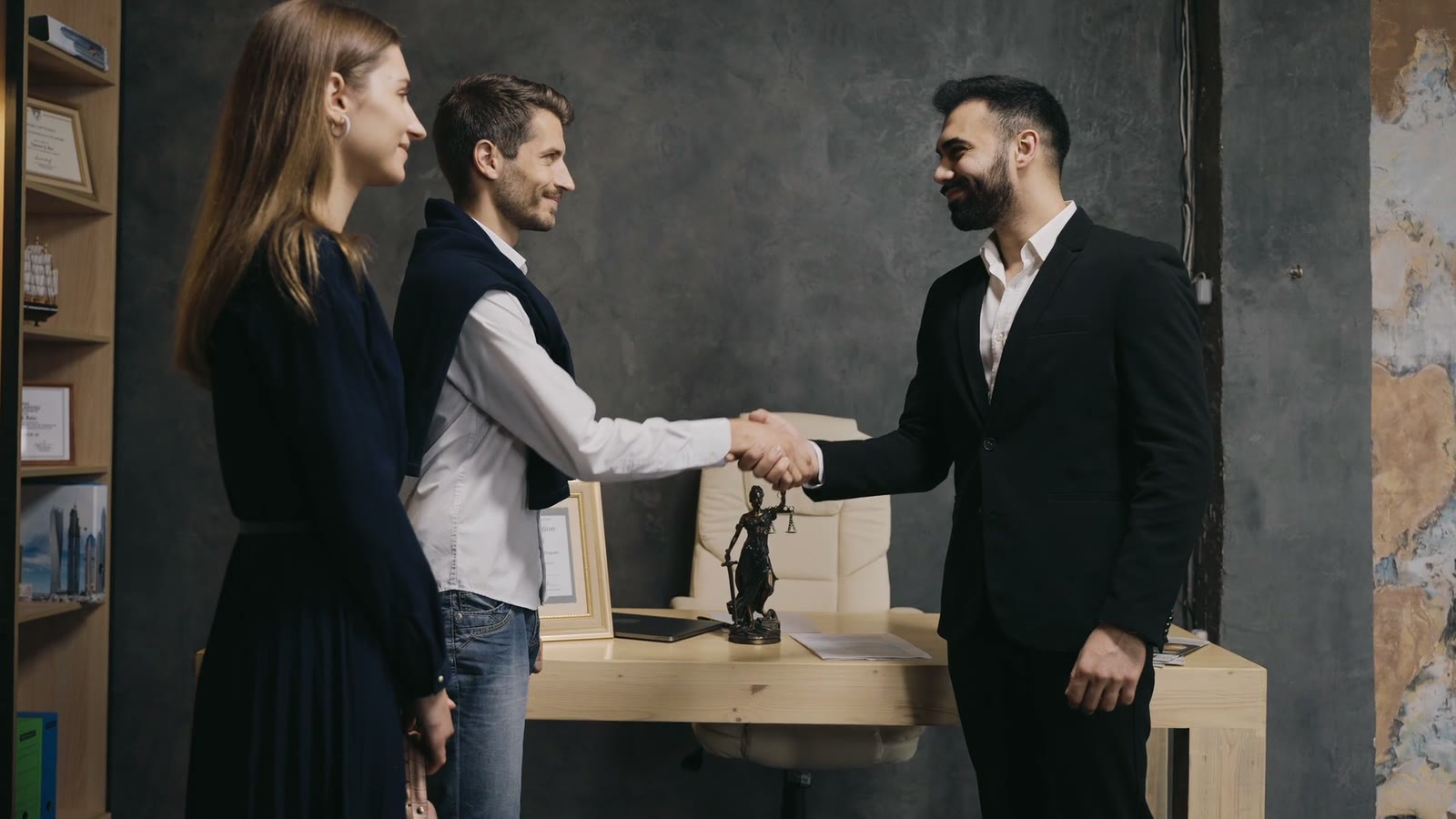 Business Development
Make a short video for each service, from the service page or a brief of a few lines.
See Marketing Associate Training
Turn the training decks for new associates into narrated modules, in the firm's own look.
See Learning & Development People Team
Give each new joiner the same induction, from the handbook the firm already keeps.
See Human ResourcesSix kinds of video, each started from a report, a deck or a page the firm already has.
A long client report turned into a short video summary to send with it.
See Report SummariesVideos that walk new clients through how the engagement works, step by step.
See Customer EducationTraining modules for associates, from the decks the firm already teaches from.
See Training CoursesShort videos for each service, for the website and LinkedIn.
See Marketing and Ad VideosThe firm's procedures, such as conflict checks and file reviews, as short videos.
See SOP and Policy VideosA firm's work lives in long reports and decks. A short video gets the main points to the client and to the team.
BeforeA 40-slide deck the client reads once
BeforeKnow-how sitting in old decks and shared folders
BeforeVideos from each office in a different style
Upload the deck or the report the firm already wrote, and check every word before the scenes are made.
Summaries, training and policy videos, each made from a PDF, a deck, a page or a topic.
Yes. Upload the report or the deck as a PDF or PowerPoint file, or paste a link. Slenvox writes a narrated script from it and builds the scenes from motion graphics and real footage. Set the length, from a short summary to a full walkthrough.
No. Slenvox builds new scenes from the content of the slides. The script follows the deck, and charts, diagrams and pictures from the slides appear in the matching scenes. A brand kit adds your logo, colors and fonts.
Yes. Save your logo, colors, fonts, intro and outro, and music in a brand kit once, and apply it to any video.
You do. Slenvox claims no ownership of your videos or uploads, and you are free to use, publish, monetize and change them.
Yes. Your projects and files are visible only to your account, or to your workspace on Team and Business plans. See our Privacy Policy for details.
Yes. The free plan gives you 5 minutes of video once, enough for one video of up to 5 minutes, at 720p with a watermark. No credit card is needed.
A 30-minute video call with the Slenvox team. See how Slenvox works and get answers about plans.
Pick a Time Slenvox TeamSlenvox Demo30mGoogle MeetYour time zone
Pick a day to see the open times.
Start on the free plan. No credit card needed.


 4:10
4:10
