 Store Training
Product Knowledge for Each New Range
Turn the range launch deck into a short video that store staff watch before the range goes on sale.
See Learning & DevelopmentTurn a range launch deck, a store procedure or a returns policy into a narrated video with motion graphics and real footage, for each store and each shift. Make one for the store screen and one for staff phones from the same script.
Free planNo credit card needed
Start from what head office already sends to stores
On Team and Business plans, training, store communications and marketing work in one shared workspace, with one brand kit for the chain.
Book a DemoStore TrainingTurn the range launch deck into a short video that store staff watch before the range goes on sale.
See Learning & Development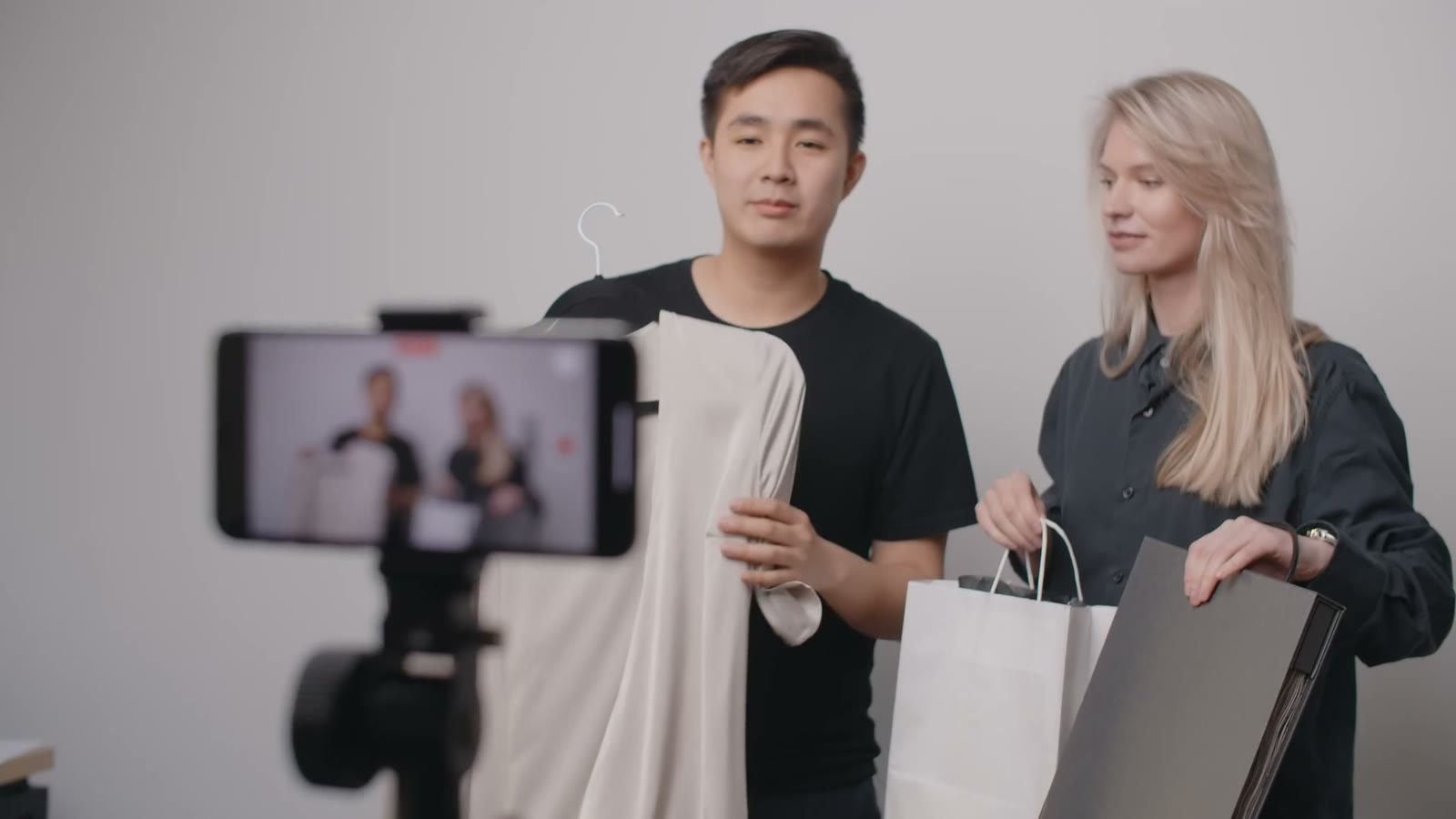 Marketing
Make vertical reels and website videos for the new range, from the same script.
See Marketing Store Communications
Send the same short briefing to each store, so each team starts the day with the same news.
See Internal Communications Customer Service
Turn the returns policy and the care guides into short videos for staff and for customers.
See Customer SupportSix kinds of video, each started from something head office already sends to stores.
An induction for new store staff, the same in each store.
See Employee OnboardingSales training on the new range, so staff can answer the first questions customers ask.
See Sales TrainingSafety and till procedures, with each rule shown on screen as a checklist or a warning.
See Compliance TrainingShort ads for the new range, from a brief of a few lines.
See Marketing and Ad VideosVertical reels for Instagram and YouTube Shorts, from the chain's blog posts.
See Social Media VideosHow-to videos for customers, such as assembly and care, from the help pages.
See Customer EducationStores open early, staff change often, and each launch has to reach each store at once. Slenvox makes the video from the deck head office already sends.
BeforeA deck emailed to each store manager to read out
BeforeNews passed from manager to manager by word of mouth
BeforeEach new starter trained by whoever is on shift
Upload the deck head office already made, then make the store screen version and the phone version from the same script.
The autumn range is in stores today.
Launches, policies, how-to videos and training, each made from a PDF, a deck, a web page or a topic.
Yes. Upload the deck as a PowerPoint or PDF file, or paste a link to a product page. Slenvox writes a narrated script from it and builds the scenes from motion graphics and real footage, with the photos and charts from the deck in the matching scenes.
MP4 in five shapes: 16:9, 4:3, 1:1, 4:5 and 9:16, for websites, presentations, LinkedIn, Instagram, YouTube and TikTok. 1080p on paid plans, 720p on the free plan.
Yes. Slenvox makes videos in 22 languages, with the script, the narration and the subtitles in the same language. To make the same video in another language, create it again from the same deck with that language selected.
Open the same project, edit the scenes that changed, and finalize again to get a new version. You do not need to start over.
No. Slenvox writes the script, narrates it with a natural AI voice, and builds the visuals from motion graphics and stock footage. You can add your own files whenever you want.
Yes. The free plan gives you 5 minutes of video once, enough for one video of up to 5 minutes, at 720p with a watermark. No credit card is needed.
A 30-minute video call with the Slenvox team. See how Slenvox works and get answers about plans.
Pick a Time Slenvox TeamSlenvox Demo30mGoogle MeetYour time zone
Pick a day to see the open times.
Start on the free plan. No credit card needed.
 Reel 1
 Reel 2
 1:30
1:30


 Offer week
 Care guide
 Store layout