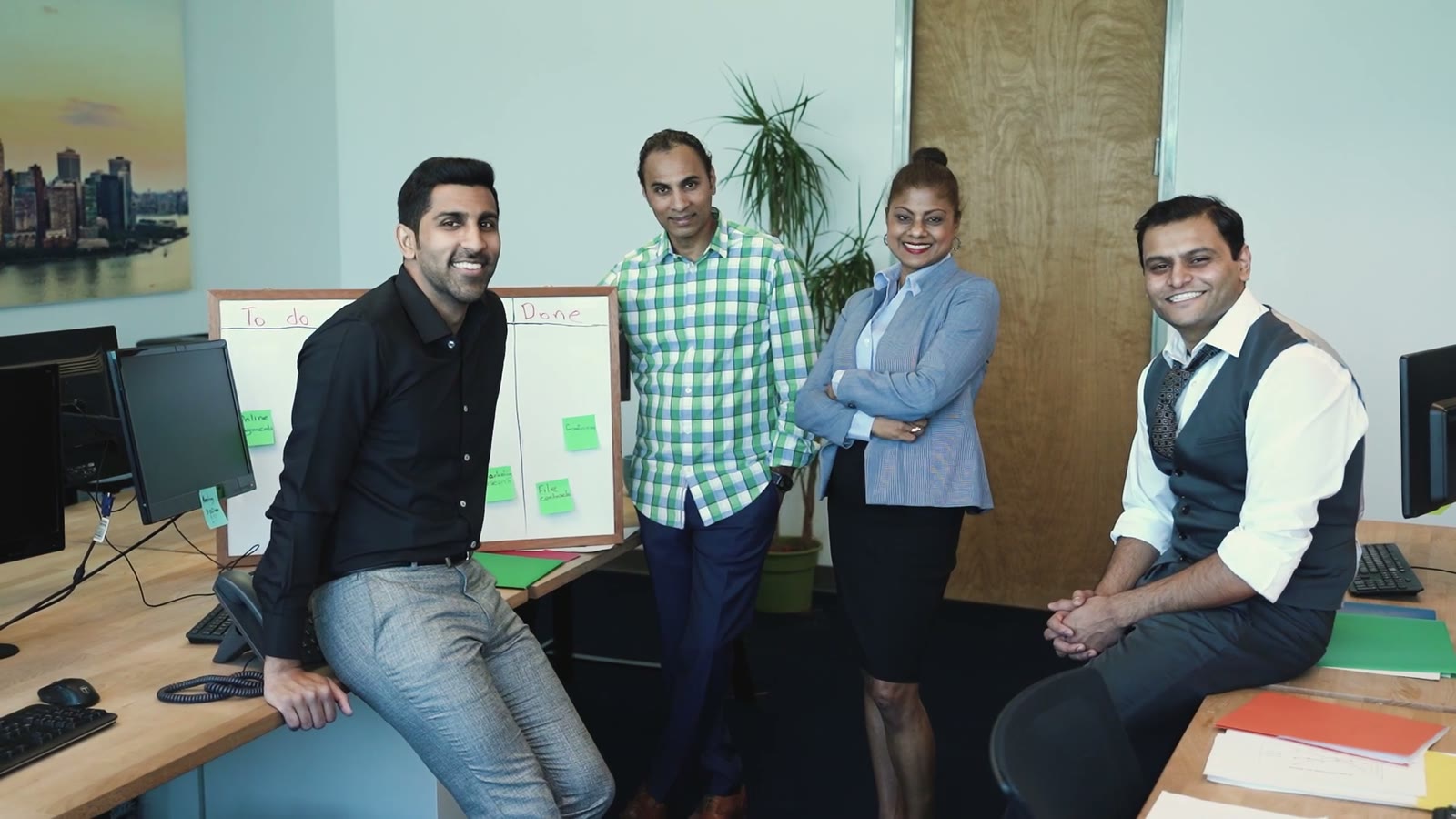





Shared Workspace
On Team and Business plans, brand kits, asset libraries and projects are shared across the workspace.
Upload a welcome deck or an employee handbook. Slenvox turns it into a narrated video that walks new hires through their first weeks, with motion graphics and real footage, in any of 22 languages.
Free planNo credit card needed
 Made with Slenvox
Start from what you already have
Onboarding many teams from one workspace? Talk to us about the Team and Business plans.
Book a DemoOn Team and Business plans, brand kits, asset libraries and projects are shared across the workspace.

Max, Team and Business plans make videos of up to 60 minutes. Pro makes up to 30, and Plus up to 15.

Slenvox claims no ownership of the videos or uploads. Use, publish and change them as you like.

Projects and files are visible only to the account, or to the workspace on Team and Business plans.
New hires take in a lot in their first weeks. A short video lets them watch, pause and come back later.
Drag the handle to compare.
BeforeThe same welcome talk repeated for each new group
With SlenvoxOne welcome video each new hire can watch before day one
BeforeA long handbook that new hires skim on day one
With SlenvoxThe first week laid out as a timeline new hires can follow
BeforeEach team explains the tools in its own way
With SlenvoxThe same walkthrough of the tools for each team
BeforeFilming a welcome video needs a crew and a presenter
With SlenvoxUpload the welcome deck and get a narrated video to review
BeforeOld videos still show last year's process
With SlenvoxEdit the script and remake only the scenes that changed
From the welcome deck to a video new hires can watch before their first day.
On day one, you meet your team and set up your laptop.
पहले दिन आप अपनी टीम से मिलते हैं और अपना लैपटॉप सेट करते हैं।
El primer día conoces a tu equipo y configuras tu portátil.
初日はチームと顔を合わせ、ノートパソコンを設定します。
في اليوم الأول تتعرّف على فريقك وتجهّز حاسوبك المحمول.
Write a topic or upload a welcome deck. Slenvox writes the script first, so you can check it before the video is made.
Keep each welcome video on brand and easy to update.
Save a logo, colors, fonts, an intro, an outro and music once, and apply them to any video.
Upload company photos, clips and documents once. Slenvox places them in the scenes where they fit.
Choose from 142 natural AI voices in many accents, or narrate in your own voice with My Voice.
Change the footage, graphics, layout and timing of any scene on the review page before you finalize.
Subtitles are added automatically in the video language. Change their style, or turn them off.
Download an MP4, or export the clips and a timeline file that Premiere Pro, DaVinci Resolve and Final Cut Pro open directly.
Sample onboarding videos, each made from a deck, a handbook or a topic.
The first two weeks of a new account executive, from tools to the first call.
What new store staff do before the doors open, in the right order.
Check-in, room keys and guest requests for new front desk staff.
Protective gear, marked walkways and who to call, before the first shift.
Yes. Upload a welcome deck or an employee handbook, or describe the topic. Slenvox writes the script, narrates it with a natural AI voice, and shows each step with motion graphics and real footage. You check the script and each scene before you finalize.
No. Slenvox writes the script, narrates it with a natural AI voice, and builds the visuals from motion graphics and stock footage. You can add your own files whenever you want.
Yes. Upload a PDF or PowerPoint file, or paste a link. Slenvox reads it page by page, writes the script from it, and places its charts and pictures in the scenes where they belong.
Yes. Slenvox makes videos in 22 languages, with the script, the narration and the subtitles in the same language. To make the same video in another language, create it again from the same deck with that language selected.
Yes. Upload photos and clips when you create a video, or keep them in an asset library, and Slenvox places them in the matching scenes. A brand kit adds the logo, colors, fonts, intro, outro and music.
Yes. Download the finished MP4 and upload it to any LMS, such as Moodle, Canvas or Google Classroom. There is no direct LMS connection yet.
Yes. Your projects and files are visible only to your account, or to your workspace on Team and Business plans. See our Privacy Policy for details.
Yes. The free plan gives you 5 minutes of video once, enough for one video of up to 5 minutes, at 720p with a watermark. No credit card is needed.
A 30-minute video call with the Slenvox team. See how Slenvox works and get answers about plans.
Pick a TimeSlenvox TeamSlenvox Demo30mGoogle MeetYour time zonePick a day to see the open times.
Start on the free plan. No credit card needed.









