

Motion Graphics + Real Footage
Turn Photos
Turn Photos
Into a Narrated Video
Upload your photos and describe the video. Slenvox writes the script, narrates it, and places each photo in the scene where it fits, with motion graphics and real footage around it.
1Upload Your Photos
Click or drag to upload photosJPG, PNG, WebP or GIF · up to 20 photos · 10 MB each
2Describe the Video
Slenvox writes the script from this and places each photo where it fits.
3Choose Video Settings
Pick a Visual Style
Shape
Free plan. No credit card.
Explore Photos to Video Examples
See how Slenvox builds a narrated video around your photos.
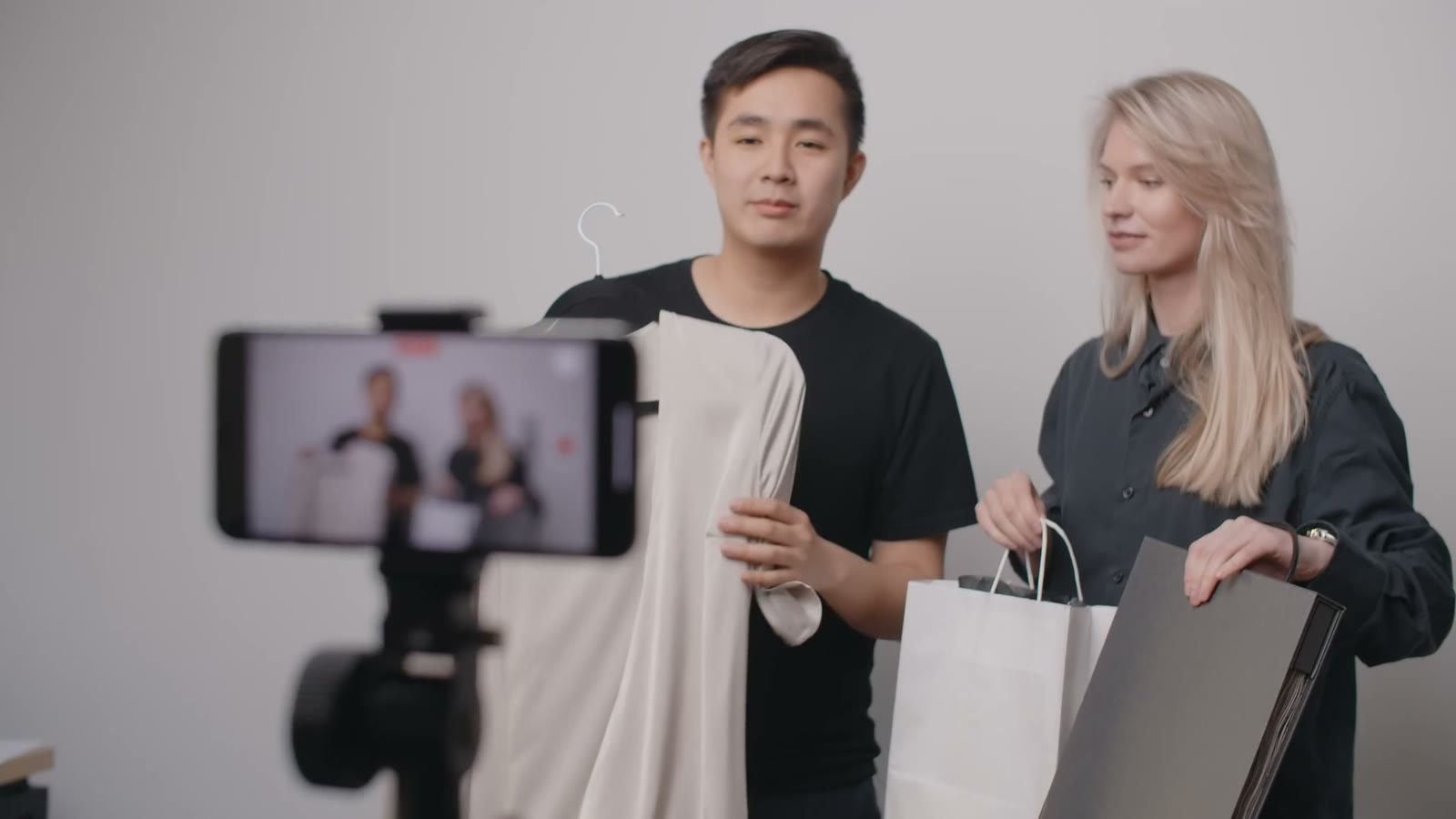
New Product Range12 product photos
New Product Range
View Example
Site Safety Walkthrough8 site photos
Site Safety Walkthrough
View ExampleMake Your Photos Part of the Story
Your photos, a script, narration and motion graphics in one finished video.
Your Photos
Put Your Photos in the Right Scenes
- Upload up to 20 photos of products, people, places or diagrams
- Slenvox looks at what each photo shows and places it where the script talks about it
- Stock footage and motion graphics fill the other scenes



Motion Graphics
Add Graphics Timed to the Narration
- Key points and numbers appear as motion graphics next to your photos
- Each graphic appears as the narration reaches its point
- Change the words and colors of any graphic on the review page

Brand
Keep Each Video on Brand
- Save your logo, colors and fonts in a brand kit
- Add an intro, an outro and music once and reuse them
- Share brand kits across the workspace on Team and Business plans
Your photo · Site safety
Your photo · Our team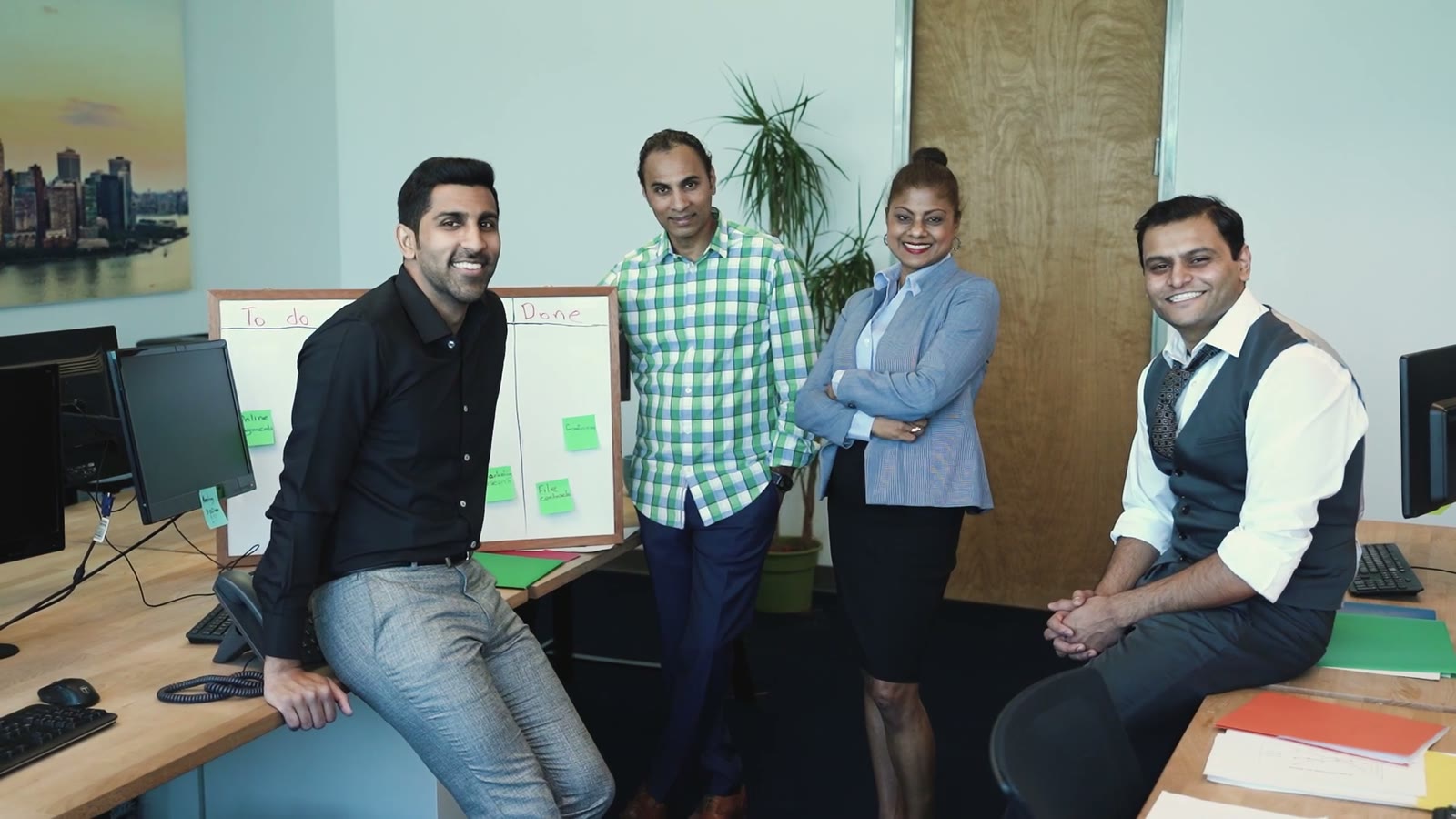
Your photo · New office
Your photo · Top sellers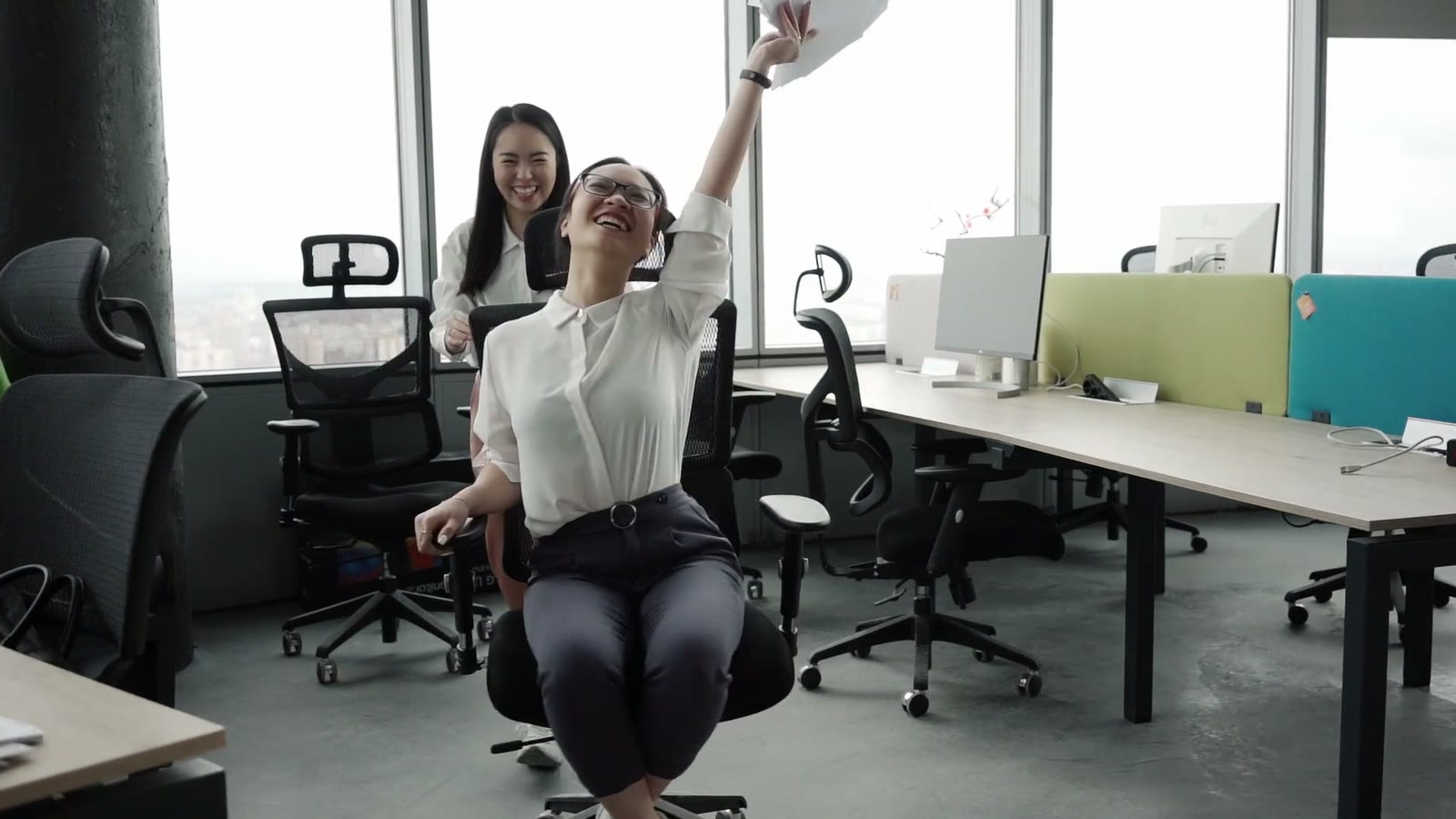
Languages
Narrate Photos in 22 Languages
- Script, narration and subtitles in any of 22 languages
- Choose from 142 natural AI voices in many accents
- Make the same photos into videos for teams in other countries
The new range comes in three colors.
नई रेंज तीन रंगों में आती है।
La nueva línea viene en tres colores.
新シリーズは3色展開です。
تأتي التشكيلة الجديدة بثلاثة ألوان.
Why Turn Photos Into Video?
A folder of photos needs someone to explain it. A narrated video does that for you.
Show the Real Thing
Photos of real products, sites and people make an explanation concrete.
Give Photos a Voice
Narration explains what each photo shows and why it matters.
Reuse What You Have
Product shots, event photos and screenshots become training, sales and marketing videos.
From Photos to Video in Minutes
How to Turn Photos Into a Video
1Upload Your Photos
Upload up to 20 photos in JPG, PNG, WebP or GIF, up to 10 MB each.
2Describe the Video
Write the topic or paste a script. Slenvox writes the script and places each photo where it fits.
3Edit and Download
Scenes start appearing within about 30 seconds. Change photos, graphics, music or subtitles, then download an MP4.
Use Cases
Who Is Photos to Video For?
Teams have photos of products, sites and people that could explain a lot.
Slenvox writes the script around them, adds narration and motion graphics, and turns a folder of photos into a narrated video.

Marketing Teams
Turn product photos into narrated explainers for the website and social media.





One Platform to Create and Edit Videos
Everything a team needs to make videos that look and sound like the company.
Save a logo, colors, fonts, an intro, an outro and music once, and apply them to any video.
Upload company photos, clips and documents once. Slenvox places them in the scenes where they fit.
Choose from 142 natural AI voices in many accents, or narrate in your own voice with My Voice.
Change the footage, graphics, layout and timing of any scene on the review page before you finalize.
Subtitles are added automatically in the video language. Change their style, or turn them off.
Download an MP4, or export the clips and a timeline file that Premiere Pro, DaVinci Resolve and Final Cut Pro open directly.




All Your Photos to Video Questions Answered
Have a question that is not here? Contact us
Can Slenvox make a video from my photos alone?
Photos are added to a video made from a topic, a script or a document. Describe the video or paste a script, and Slenvox places your photos in the scenes where they fit. Stock footage and motion graphics fill the other scenes.
How many photos can I upload?
Up to 20 photos per video, each up to 10 MB.
Which image formats are supported?
JPG, PNG, WebP and GIF.
How does Slenvox decide where my photos go?
Slenvox looks at what each photo shows and matches it to the lines of the script that talk about the same thing.
Can I change the photo in a scene?
Yes. On the review page you can change the visual of any scene.
Can I save photos for later videos?
Yes. Keep them in an asset library and Slenvox can use them in any video. On Team and Business plans, libraries are shared across the workspace.
Is it free to try?
Yes. The free plan gives you 5 minutes of video once, enough for one video of up to 5 minutes, at 720p with a watermark. No credit card is needed.
Can I download the video as an MP4?
Yes. Videos download as MP4 at 1080p on paid plans and 720p on the free plan. Export for Pro Editing also gives you the clips and a timeline file for Premiere Pro, DaVinci Resolve or Final Cut Pro.
Video Intelligence Layer for Business
Not Just a Photos to Video Tool
Slenvox makes complete videos. Start from a topic, a script, a PDF, a PowerPoint file or a link, add your photos and clips, and choose motion graphics, real footage or AI imagery for the rest.
Narrate in 22 languages, keep each video on brand with a brand kit, and edit each scene before you finalize.
Ready to Turn Photos Into a Video?
Start on the free plan. No credit card needed.
