AI Imagery
for Stories Never Filmed

Paint the scenes for history, stories and ideas that no camera ever filmed. Every picture follows one look, so the whole video feels made together.

1Write a Line or Paste a Script
A topic, a few lines or a full script80 / 15,000
Try

2Choose the Look
Shape
Free plan. No credit card.
PreviewAI Imagery · 16:9

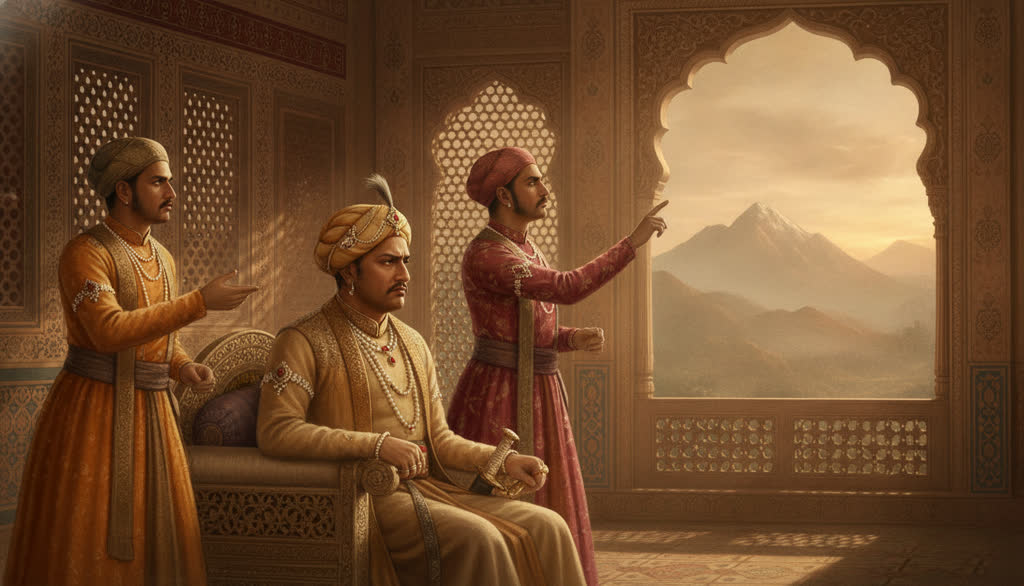
Example: “Akbar and Birbal”. Pick another example, a look or a shape to see it change.

Works with every way to start a video

Scenes From Real Slenvox Videos

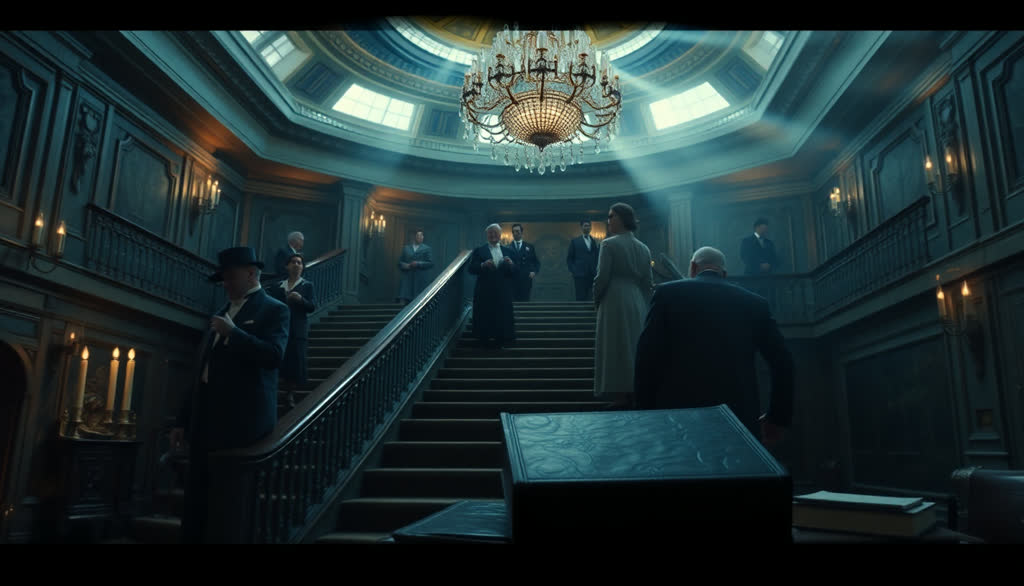
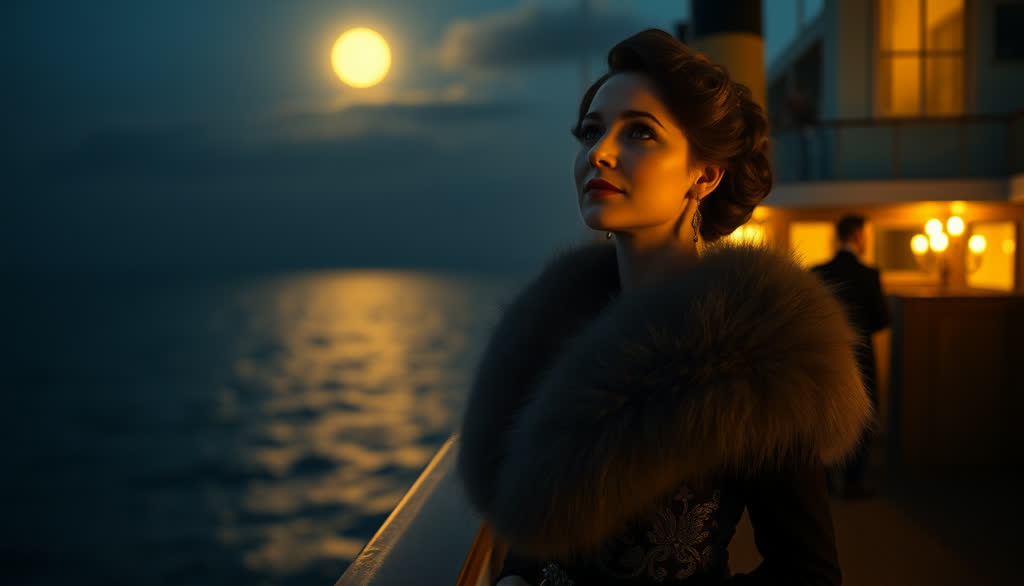
Every picture here was painted by Slenvox for a video script.

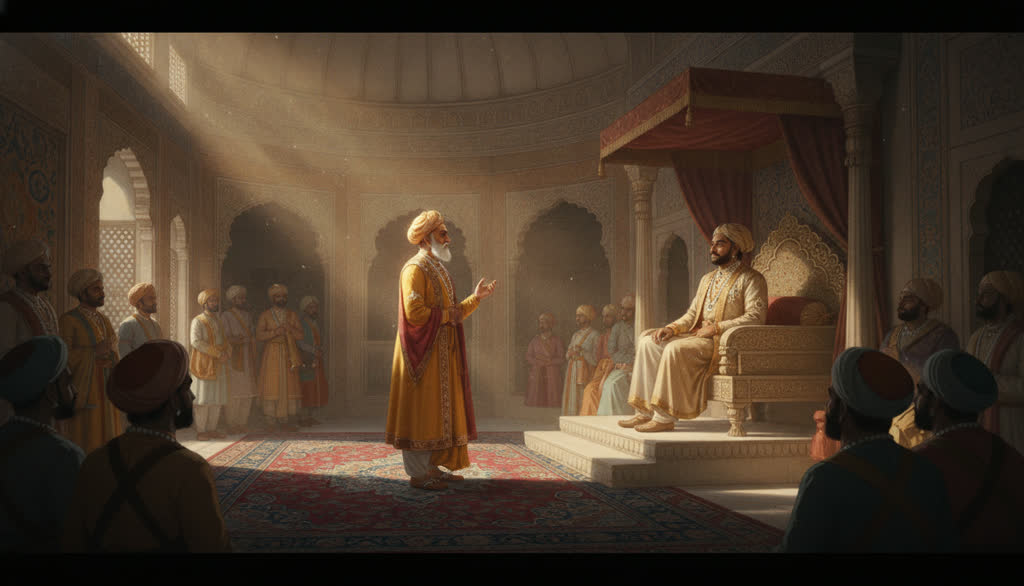
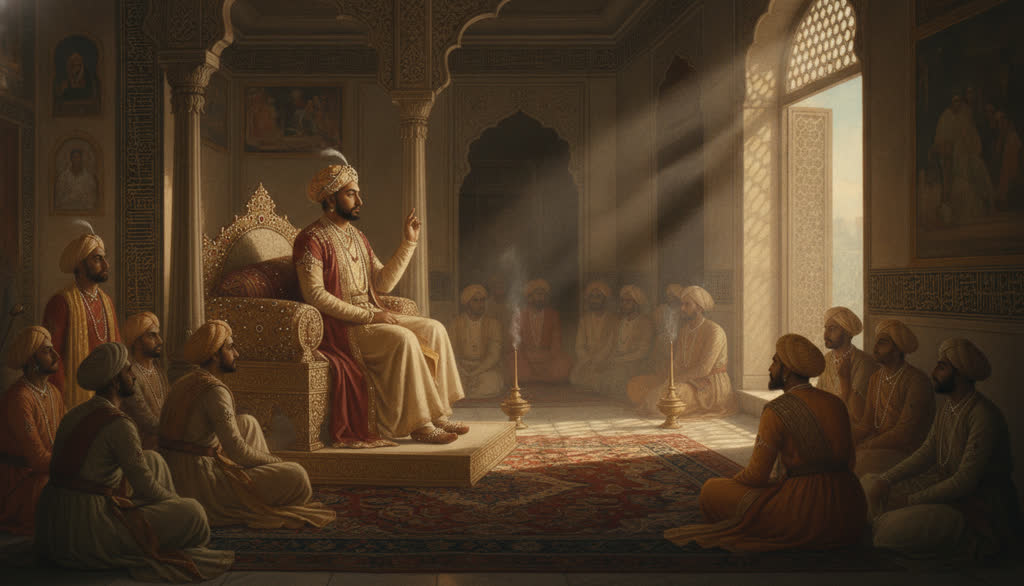
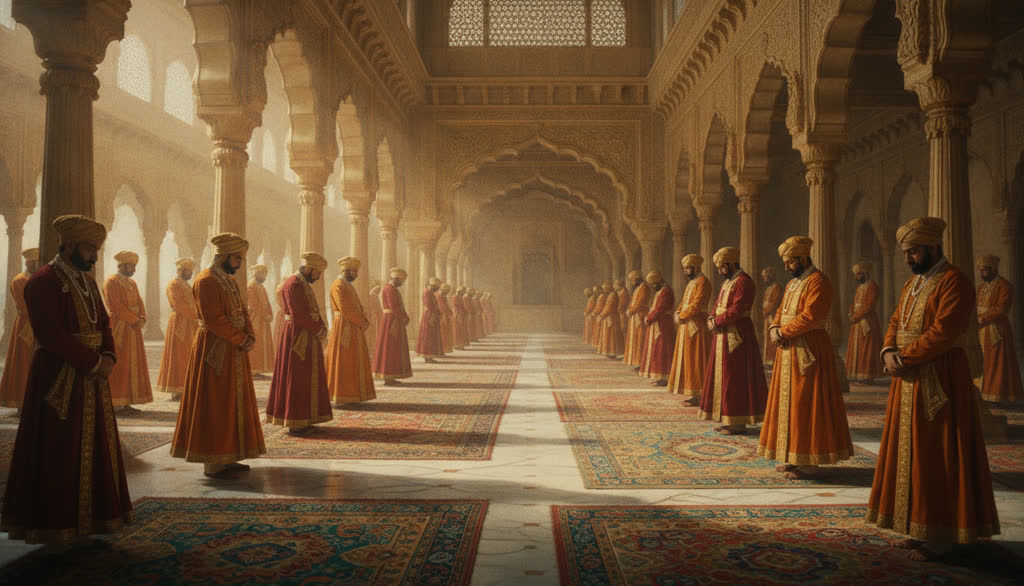
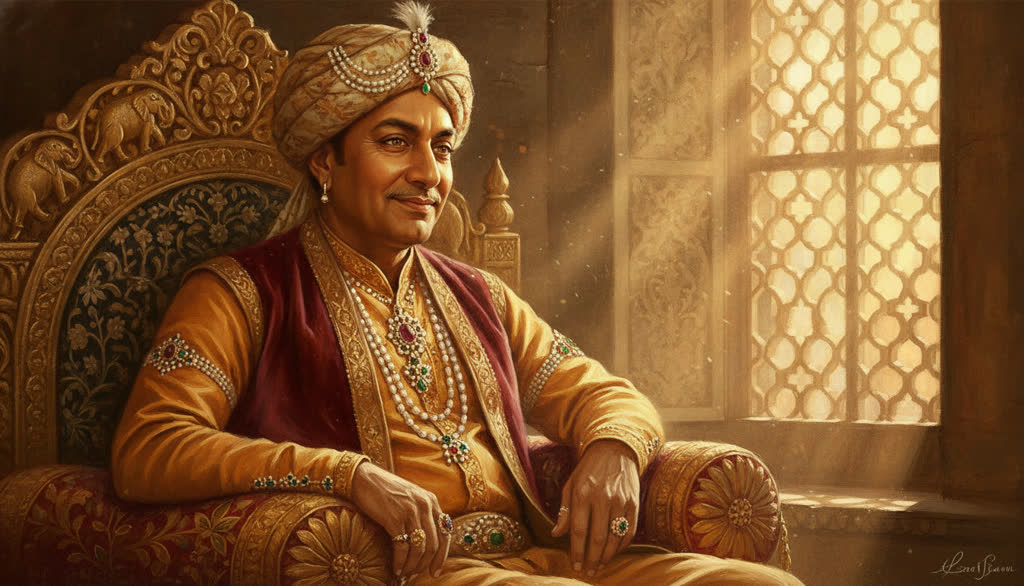
The whole court waited for Birbal.

Akbar and Birbal
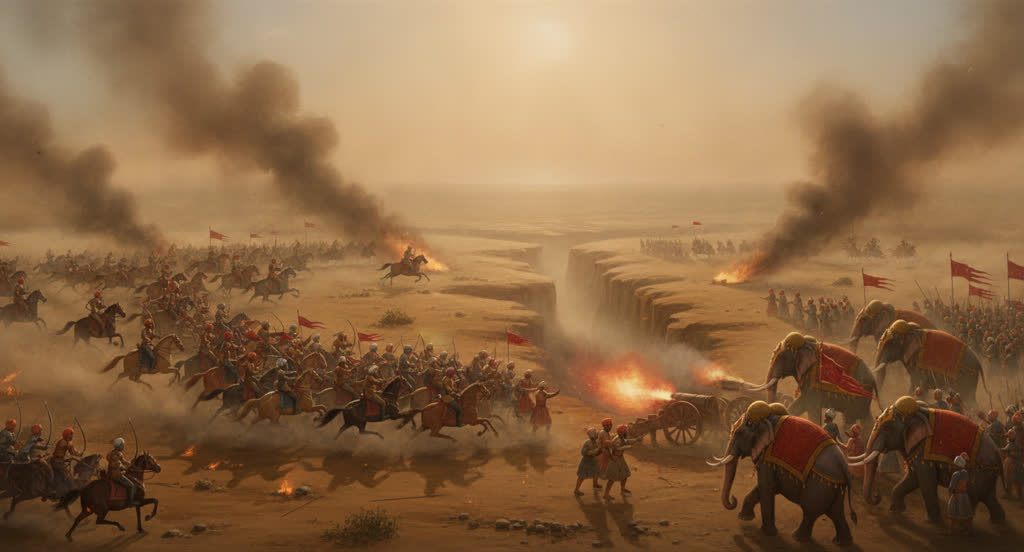
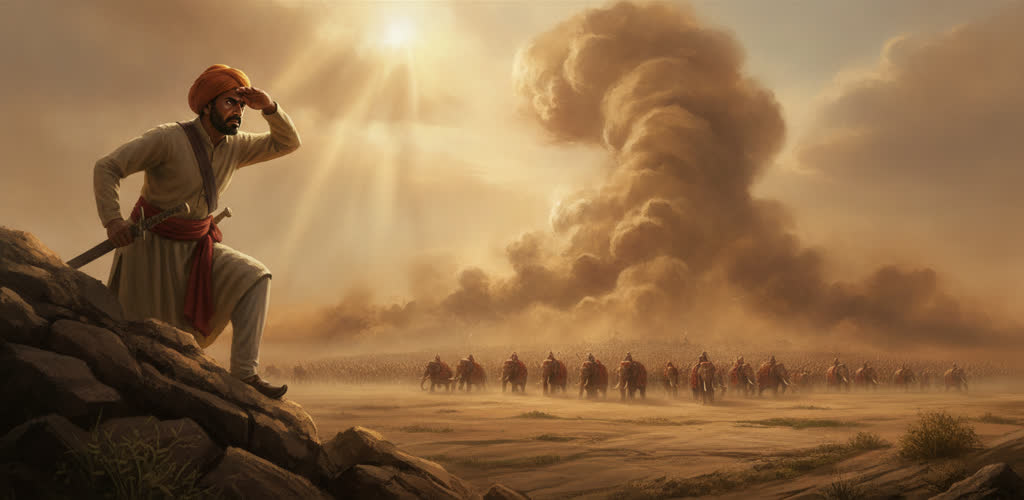
The Battle of Panipat
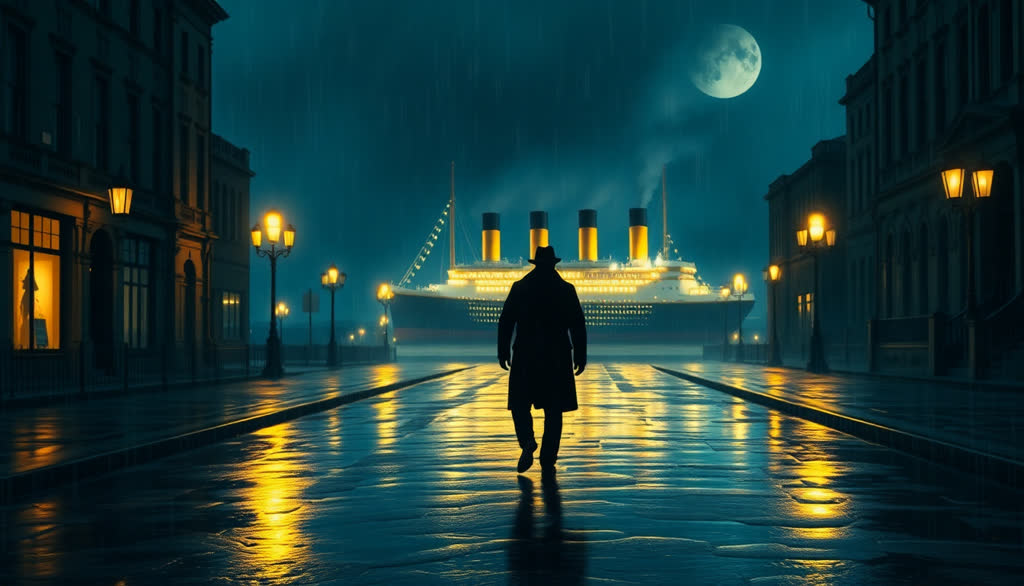
Life Is Not Fair
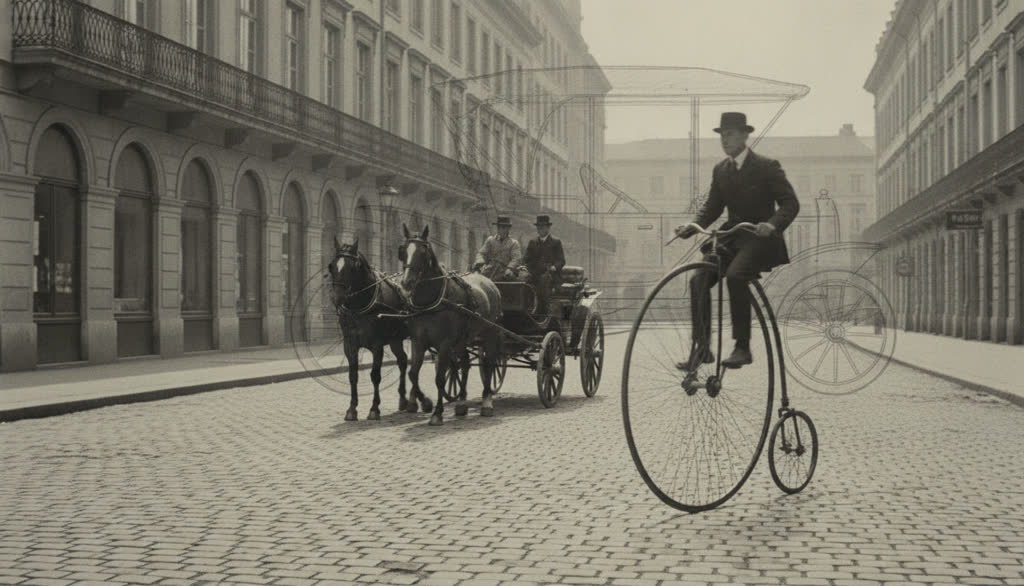
Cycling Facts
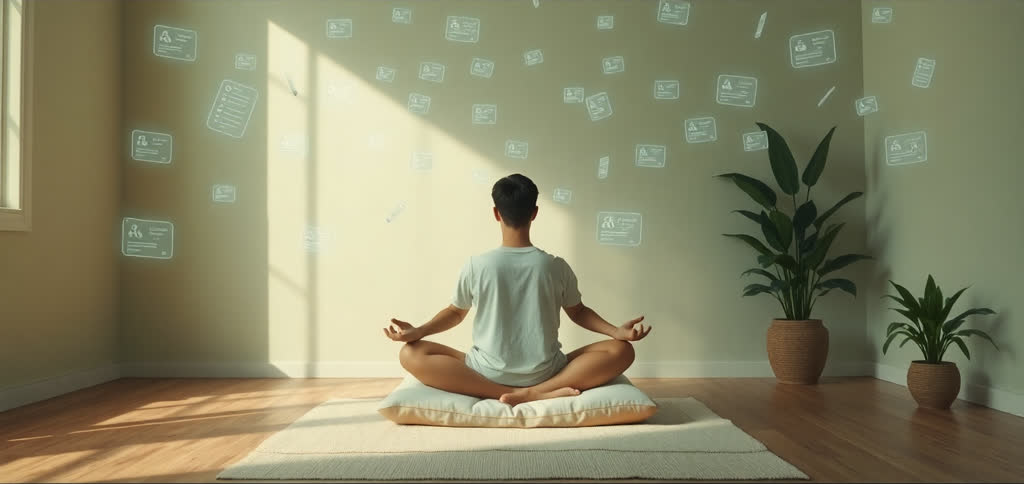
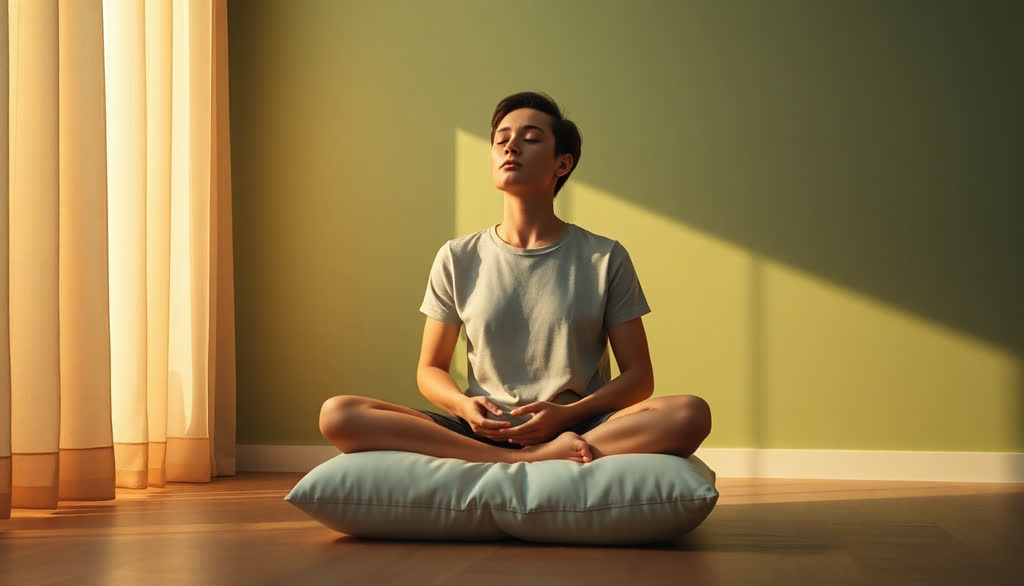
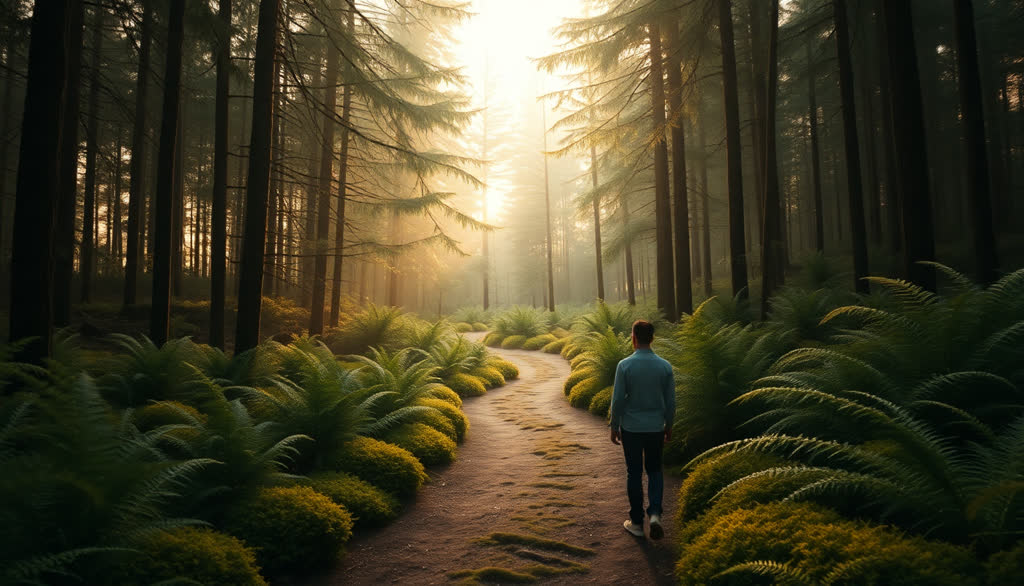
Guided Meditation
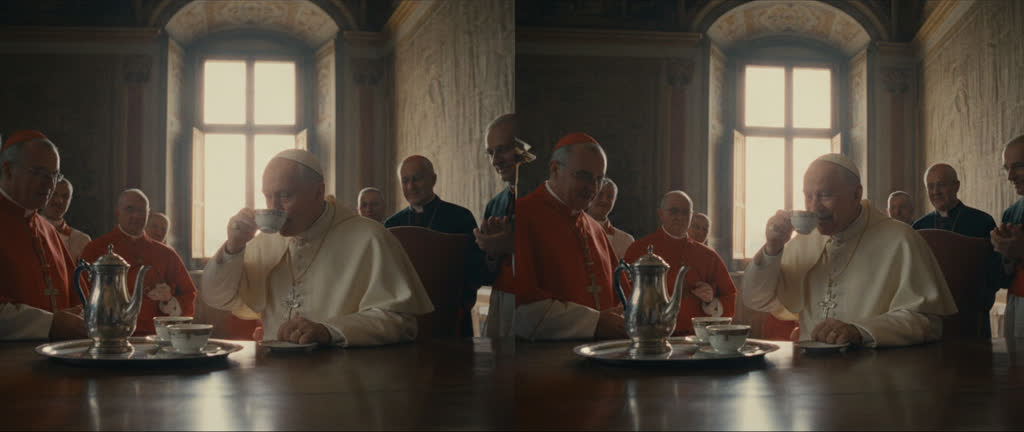
The History of Coffee

Paint the Scenes No Camera Filmed

History, stories and ideas rarely have real footage. Slenvox paints each scene from the line it goes with.

Made for Stories and History

A Painted Scene for Every Line

  • Slenvox writes a picture description for each line and paints it
  • Made for history, stories, legends and anything that was never filmed
  • Every picture moves with a slow camera drift, so no scene sits still
One Look

One Look Across the Whole Video

  • Before painting, Slenvox sets one look for the video: colors, light, mood and era
  • Every scene follows it, so the pictures feel like one film
  • A scene can still move in time when the story does
Scene 2Scene 5Scene 9
The look for this video
Era
Mughal India
Colors
Saffron, deep red, gold
Light
Warm window light
Mood
Royal and playful
Motion Graphics + AI Imagery

Add Motion Graphics to Painted Scenes

  • Dates, numbers and steps appear as graphics beside the painting
  • Timelines for history, quotes for stories, steps for lessons
  • Choose Motion Graphics + AI Imagery when you create the video
The Mughal Empire
Painted battle with war elephants
History of coffee
Painted council drinking coffee
Cycling facts
Painted street with a penny-farthing
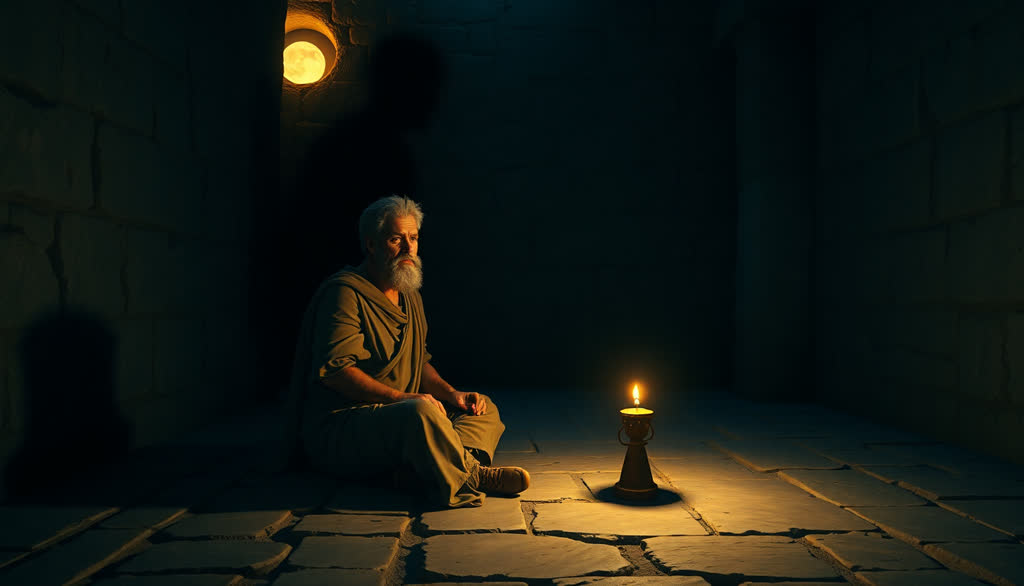
A stoic lesson
Painted philosopher by candlelight
Edit Any Scene

Rewrite the Picture, Paint It Again

  • Open any scene and see the description that painted it
  • Change the words and paint up to five new pictures for that scene
  • Works in any video, even one made with stock footage
Replace Media
The painted picture for this scenePainting…
1 of 5 used for this scene

Why Use AI Imagery?

Some stories have no footage. AI imagery gives every scene a picture that fits.

Show What Was Never Filmed

Keep One Look

Paint Again When You Want

From Script to Painted Scenes

How to Make a Video With AI Imagery

  1. 1Start From Anything

    Write a topic, paste a script, or start from a PDF, a PowerPoint file or a link. Choose AI Imagery as the visual style.

  2. 2Review the Script

    Read the script before anything is painted. Change any line, then choose the language, voice and length.

  3. 3Repaint and Download

    Change the description of any scene and paint it again, then download an MP4.

Use Cases

What Is AI Imagery Good For?

Stories, history and ideas: anything that happened long ago, never happened, or cannot be filmed. A painted scene fits the line where a stock clip would not.

Teachers, storytellers and marketing teams use it to give every scene a picture that belongs to the story.

History Lessons

See use case

Storytelling Content

See use case

Scenario Training

See use case

Explaining Ideas

See use case

Security Awareness

See use case

Culture Stories

See use case

One Platform to Create and Edit Videos

Everything a team needs to make videos that look and sound like the company.

Save a logo, colors, fonts, an intro, an outro and music once, and apply them to any video.

All Your AI Imagery Questions Answered

What is AI imagery in Slenvox?
When should I choose AI imagery over stock footage?
Do all the pictures in a video look alike?
Can I change a picture I do not like?
Can I use AI imagery in a stock footage video?
Is it free to try?
What shape are the pictures?
Can I use the videos commercially?
Which languages can I use?
Video Intelligence Layer for Business

Not Just an AI Image Generator

AI imagery is one of five visual styles in Slenvox. Add motion graphics beside the paintings, or switch to real footage for everyday topics. Start from a topic, a script, a PDF, a PowerPoint file or a link.

Narrate in 22 languages with 142 natural AI voices, add subtitles and music, and edit each scene before you finalize. Everything you need to tell a story on video sits in one place.

Ready to Paint Your First Story?

Start on the free plan. No credit card needed.