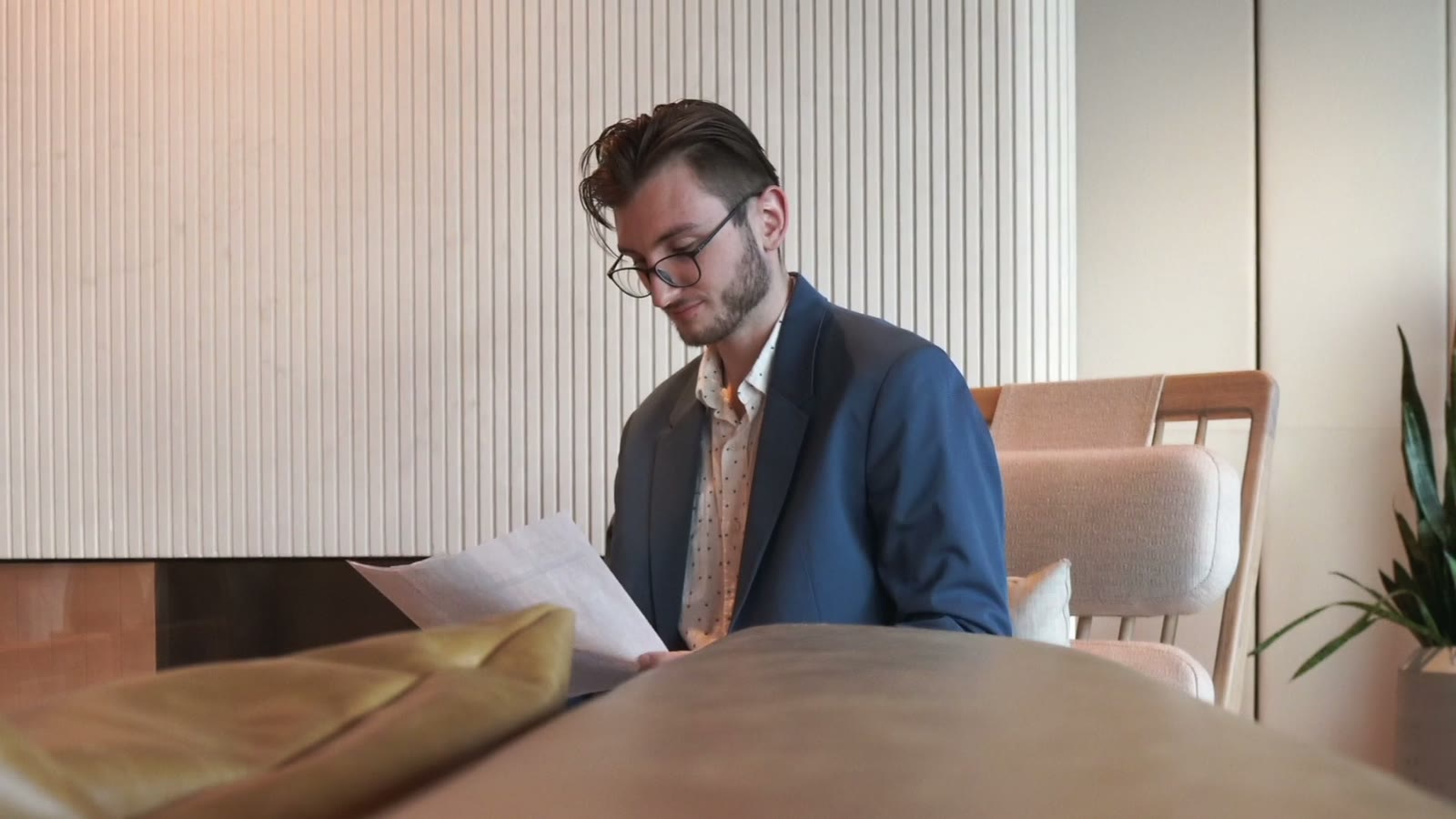
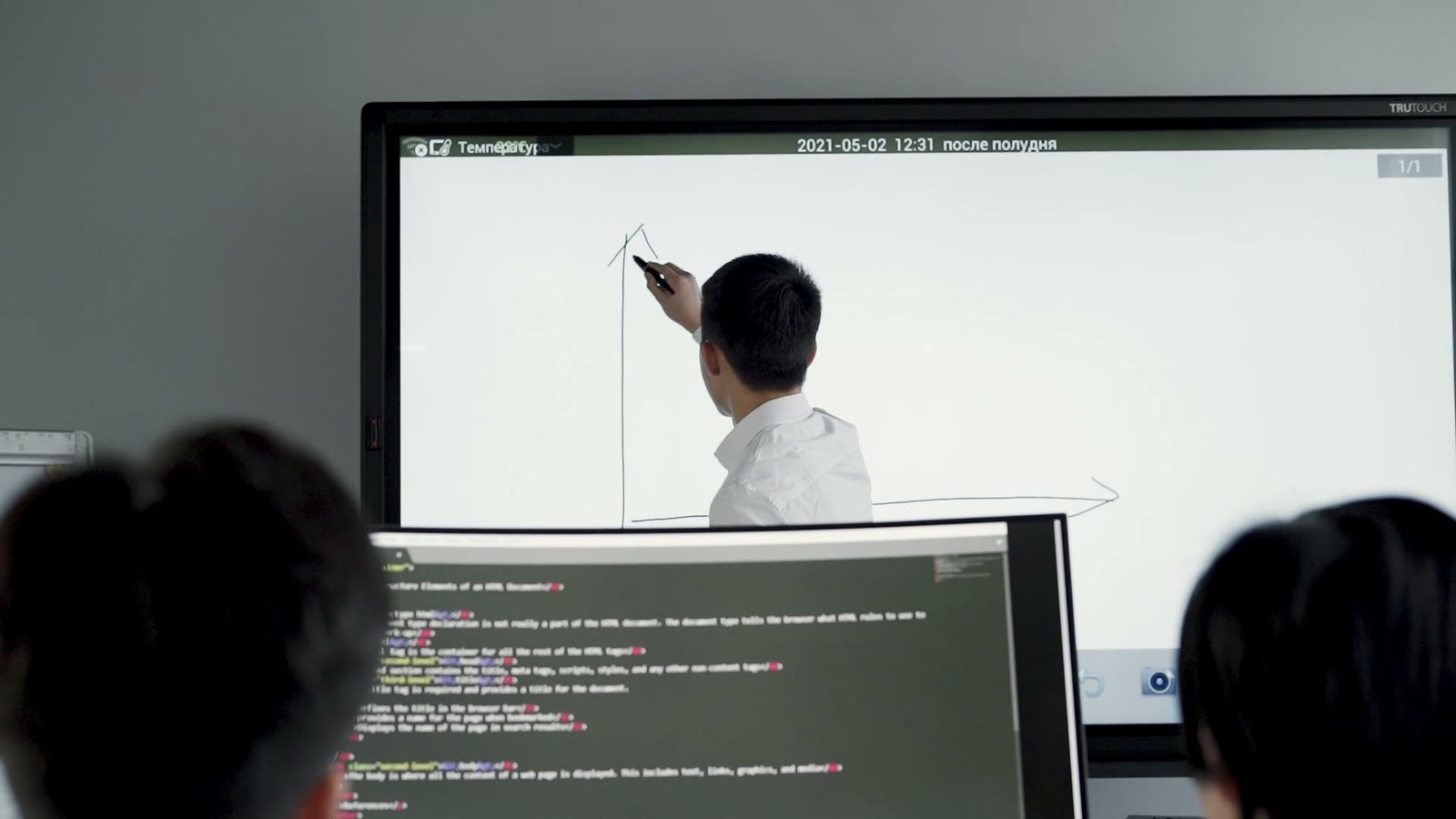
Staff Training
Training on Each New System
Turn the user guide for a new system into a training video each office watches the same way.
See Learning & DevelopmentTurn scheme guidelines, a circular or a public notice into a narrated video with motion graphics and real footage, with subtitles on each video. Make the same video in Hindi, English and the other supported languages.
Free planNo credit card needed
Start from the documents the office already publishes
On Team and Business plans, training, HR, help desks and office communications work in one shared workspace, with one brand kit for the office.
Book a DemoStaff TrainingTurn the user guide for a new system into a training video each office watches the same way.
See Learning & Development Citizen Help Desks
Turn the application guide into a short video that help desks can play and share.
See Customer Support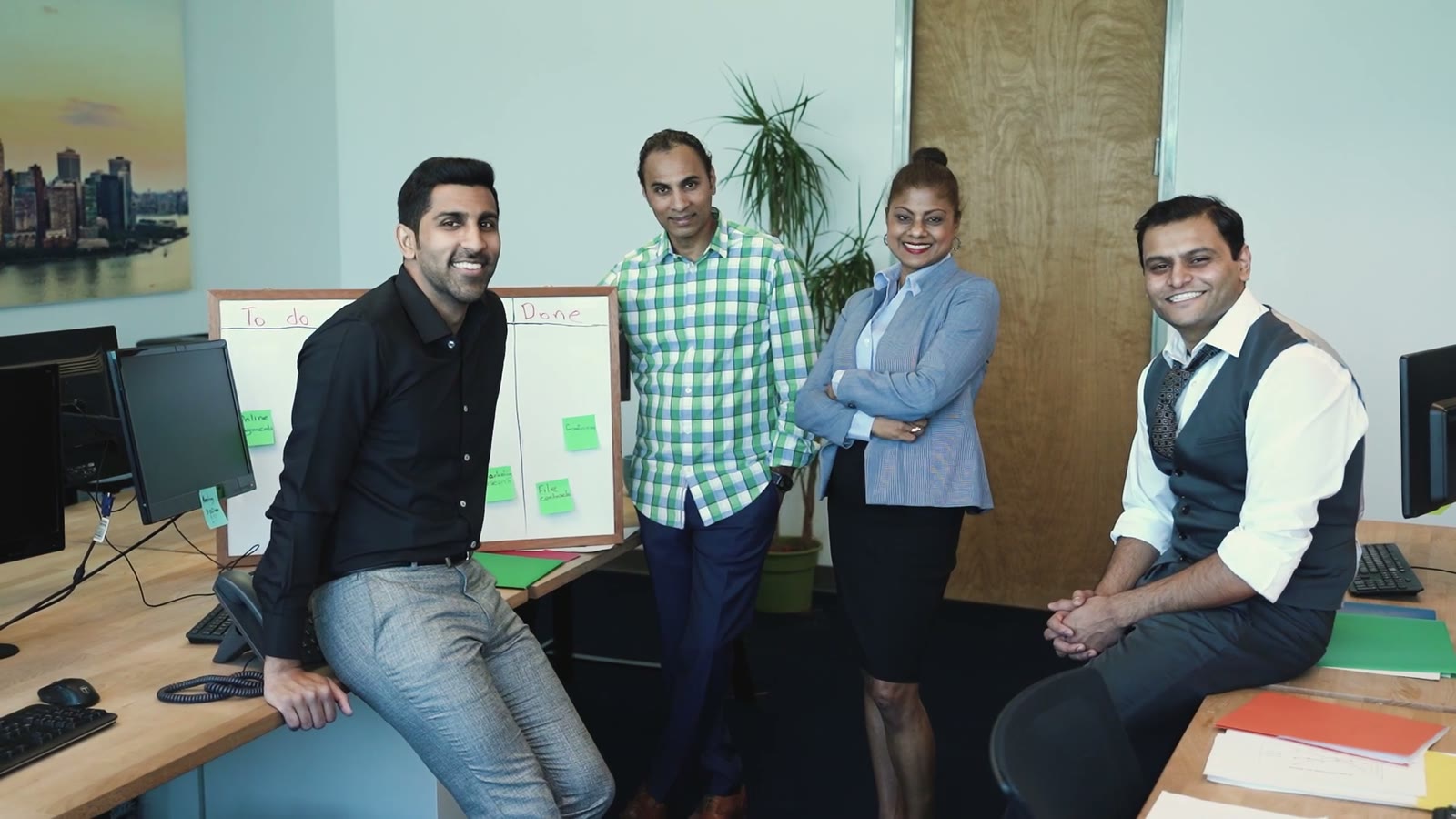 New Officers
Keep the induction videos in one shared workspace, so each new officer starts the same way.
See Human Resources Office Circulars
Turn office circulars into short videos for staff, in Hindi, English or another supported language.
See Internal CommunicationsSix kinds of video, each started from a document the office already publishes.
How-to videos for citizens: who can apply, what to bring and where to apply.
See Customer EducationAn office procedure as a short video, so each desk follows the same steps.
See SOP and Policy VideosTraining on a new system, from the user guide, one lesson for each video.
See Training CoursesThe code of conduct and the yearly refreshers, with each rule shown on screen.
See Compliance TrainingAn annual report as a short summary video for the public and for staff.
See Report SummariesShort vertical versions of a public notice for social channels, with subtitles.
See Social Media VideosPublic information has to reach people in their own language, often where the sound is off. Slenvox makes the video from the guidelines the office already wrote.
BeforeA printed notice on an office board
BeforeThirty-two pages of guidelines to read
BeforeA separate video made for each screen
Make the same video in the languages people speak, and change one scene when a rule changes.
Keep the documents ready before you apply.
आवेदन करने से पहले अपने दस्तावेज़ तैयार रखें।
Tenga los documentos listos antes de solicitar.
申請の前に書類を準備してください。
جهّز المستندات قبل التقديم.
Public information, how-to videos and staff training, each made from a PDF, a help page, a script or a topic.
Yes. Upload the guidelines, a circular or a notice as a PDF or PowerPoint file, or paste a link. Slenvox writes a narrated script from it and builds the scenes from motion graphics and real footage. Read the whole script and change any line before the video is made.
Yes. Subtitles are added in the video language. Change their font, color and position on the review page, or turn them off.
Yes. Slenvox makes videos in 22 languages, with the script, the narration and the subtitles in the same language. To make the same video in another language, create it again from the same guidelines with that language selected.
Each PDF or PowerPoint file can be up to 200 MB. You can add up to 2 documents to one video, with up to 150 pages in total.
Yes. Your projects and files are visible only to your account, or to your workspace on Team and Business plans. See our Privacy Policy for details.
Yes. The free plan gives you 5 minutes of video once, enough for one video of up to 5 minutes, at 720p with a watermark. No credit card is needed.
A 30-minute video call with the Slenvox team. See how Slenvox works and get answers about plans.
Pick a Time Slenvox TeamSlenvox Demo30mGoogle MeetYour time zone
Pick a day to see the open times.
Start on the free plan. No credit card needed.
 Welcome to the OfficeInduction · 5:20
 Code of ConductInduction · 6:05