Everything a Business Needs
to Make Videos
Start from a document, a link, a topic or a script. Slenvox writes the script, narrates it, builds each scene with motion graphics and real footage, and lets you change anything before you download.
Free planNo credit card needed
Northwind में आपके पहले हफ़्ते में आपका स्वागत है।
مرحبًا بك في أسبوعك الأول في نورثويند.
Northwindでの最初の1週間へようこそ。
Bienvenido a tu primera semana en Northwind.
Willkommen zu deiner ersten Woche bei Northwind.
Welcome to your first week at Northwind.
22 Languages
The script, the narration and the subtitles in the language you choose.
See the languagesAnayaIndian English
SethBritish English




Asset Library
Company photos, clips and documents, placed in the scenes where they fit.
See the asset libraryExport for Pro Editing
Open the project in Premiere Pro, DaVinci Resolve or Final Cut Pro.
See the export7ways to start a video
5visual styles
5video shapes, from 16:9 to 9:16
142natural AI voices
22languages for the script, voice and subtitles
Start From the Material You Already Have
Seven ways to start a video. Each one becomes a narrated video with motion graphics and real footage, ready to edit.
Turn a Document or a Deck Into a Video
Upload a PDF or a PowerPoint file. Slenvox reads it page by page, writes the script and places its charts and pictures in the scenes where they belong.
Turn a Web Page Into a Video
Paste up to 3 public links, such as an article, a blog post or a product page. Slenvox reads them and builds the video from what they say.
Start From a Topic in a Few Words
Describe what the video should cover. Slenvox writes the script, narrates it and builds each scene for you.
Paste a Finished Script
Slenvox keeps your words, splits them into scenes and matches the visuals to each line.
Make a Video From Your Own Clips and Photos
Upload up to 2 clips or 20 photos and describe the video. Slenvox writes the script and places each one in the scene where it fits.

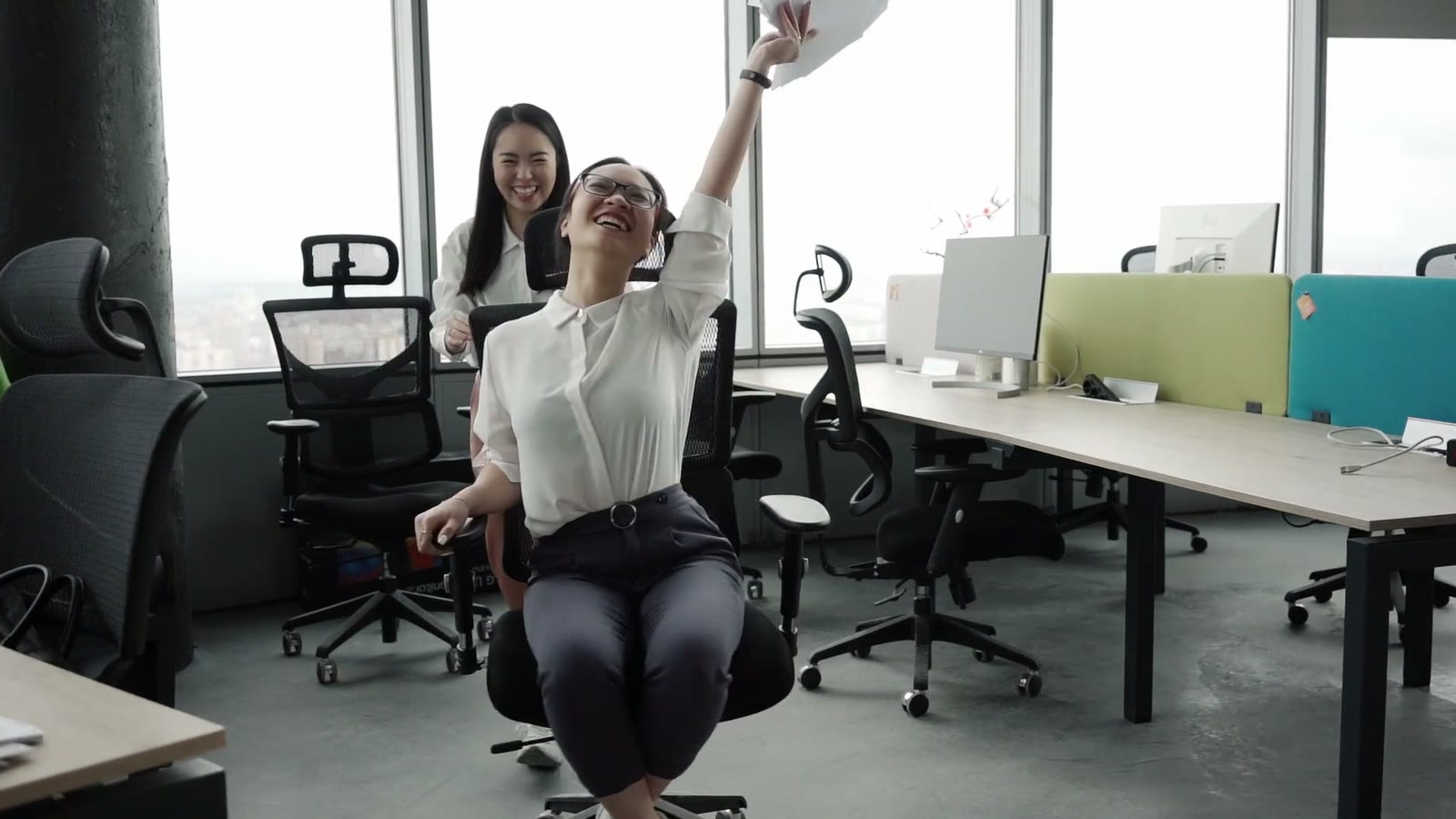
Read and Edit the Script Before Any Scene Is Made
Change any line yourself, or highlight a sentence and tell the AI how to rewrite it. Each section of the script becomes its own set of scenes.
Choose How Each Video Looks
Explain with motion graphics, show it with real footage, or paint what no camera filmed. Mix them in one video.
Explain
Motion Graphics
Moving charts, timelines and steps drawn from the script, in your colors and editable down to the last word.
Learn MoreGloves on before you enter the line.
Show
Stock Footage
A real video clip for each line of the script, picked to fit what is being said, from libraries that allow business use.
Learn More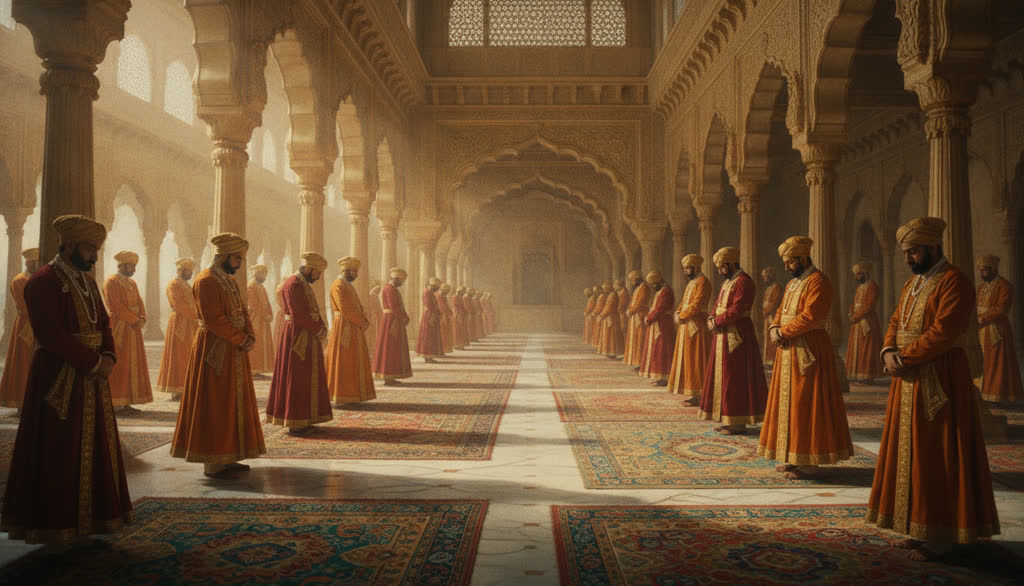
The emperor held court in the great hall.
Imagine
AI Imagery
Painted scenes for history, stories and ideas that no camera filmed, with one look across the whole video.
Learn MorePreviewMotion Graphics + Stock · 16:9
Orders went up every month.
Gloves on before you enter the line.
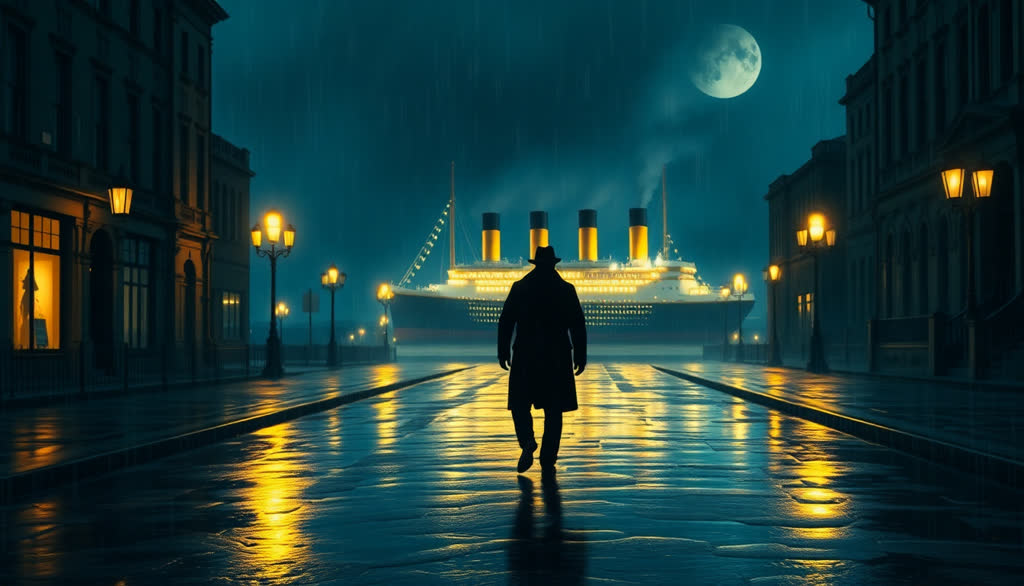
The Titanic left Southampton in April 1912.
The ship sank on April 15, 1912.
Mix Styles and Pick a Shape
Five visual styles and five shapes. Both are chosen on the create page, before the video is made.
The Right Voice and Language for Each Audience
142 natural voices, your own voice with My Voice, and 22 languages for the script, the narration and the subtitles.
Natural Voices in Many Accents
Filter by accent, gender and style, and hear each voice before you choose. Indian, British, American, Australian, Canadian and Irish English, and more.
AnayaIndian English · Female · Pleasant
RajeshIndian English · Male · Modulated
FatimaHindi · Female · Versatile
My VoiceYour own voice, recorded once
Paula JBritish English · Female · Versatile
SethBritish English · Male · Versatile
My VoiceYour own voice, recorded once
OliviaAmerican English · Female · Conversational
BrianAmerican English · Male · Professional
AndrewAmerican English · Male · Narrator
My VoiceYour own voice, recorded once
ChloeAustralian English · Female · Confident
ElaineCanadian English · Female · Storytelling
RupertIrish English · Male · Narrator
My VoiceYour own voice, recorded once
Press play to hear the real sample from the app.
The Whole Video in the Language You Choose
Slenvox writes the script in that language, narrates it and adds subtitles in it, including right-to-left languages such as Arabic and Hebrew.
Welcome to your first week at Northwind.
مرحبًا بك في أسبوعك الأول في نورثويند.
欢迎来到你在 Northwind 的第一周。
Velkommen til din første uge hos Northwind.
Welkom bij je eerste week bij Northwind.
Tervetuloa ensimmäiselle viikollesi Northwindissä.
Willkommen zu deiner ersten Woche bei Northwind.
Καλώς ήρθες στην πρώτη σου εβδομάδα στη Northwind.
ברוכים הבאים לשבוע הראשון שלך ב-Northwind.
Northwind में आपके पहले हफ़्ते में आपका स्वागत है।
Benvenuto alla tua prima settimana in Northwind.
Northwindでの最初の1週間へようこそ。
Northwind에서의 첫 주를 환영합니다.
Selamat datang ke minggu pertama anda di Northwind.
Velkommen til din første uke i Northwind.
Witamy w pierwszym tygodniu w Northwind.
Bem-vindo à sua primeira semana na Northwind.
Добро пожаловать на вашу первую неделю в Northwind.
Bienvenido a tu primera semana en Northwind.
Karibu kwenye wiki yako ya kwanza katika Northwind.
Välkommen till din första vecka på Northwind.
Northwind'deki ilk haftana hoş geldin.
My Voice
Record or upload about 30 seconds of your voice once. It can then narrate any video, in any of the 22 languages.
Learn moreAutomatic Subtitles
Subtitles are added in the video language. Change the font, the colors and the position, or turn them off.
Learn moreWord-by-Word Highlight
Subtitles follow the narration word by word, and key words can stand out in a color you pick.
Learn moreLanguage Detection
Paste a script and Slenvox detects which of the 22 languages it is in. Change it with one click.
Learn moreKeep Every Video on Brand
Save the company's look and material once, and share it with the whole team.
Save a logo, colors, a subtitle font, a voice, music, an intro and an outro once. Choose the kit when you create, and the video comes out looking like the company.
See Brand KitsUpload company photos, clips, documents and web pages once. Slenvox looks at each file, uses it when it writes the script and places it in the scenes where it fits.
See the Asset LibraryOn the Team plan, up to 5 people share one workspace with the same projects, brand kits, asset libraries and minutes. A change made on one computer shows on the others.
See the Team PlanNNorthwind
Welcome to your first week at Northwind.
MMeridian Health
Clean your hands before every patient.
LLumen School
A fraction is one part of a whole.

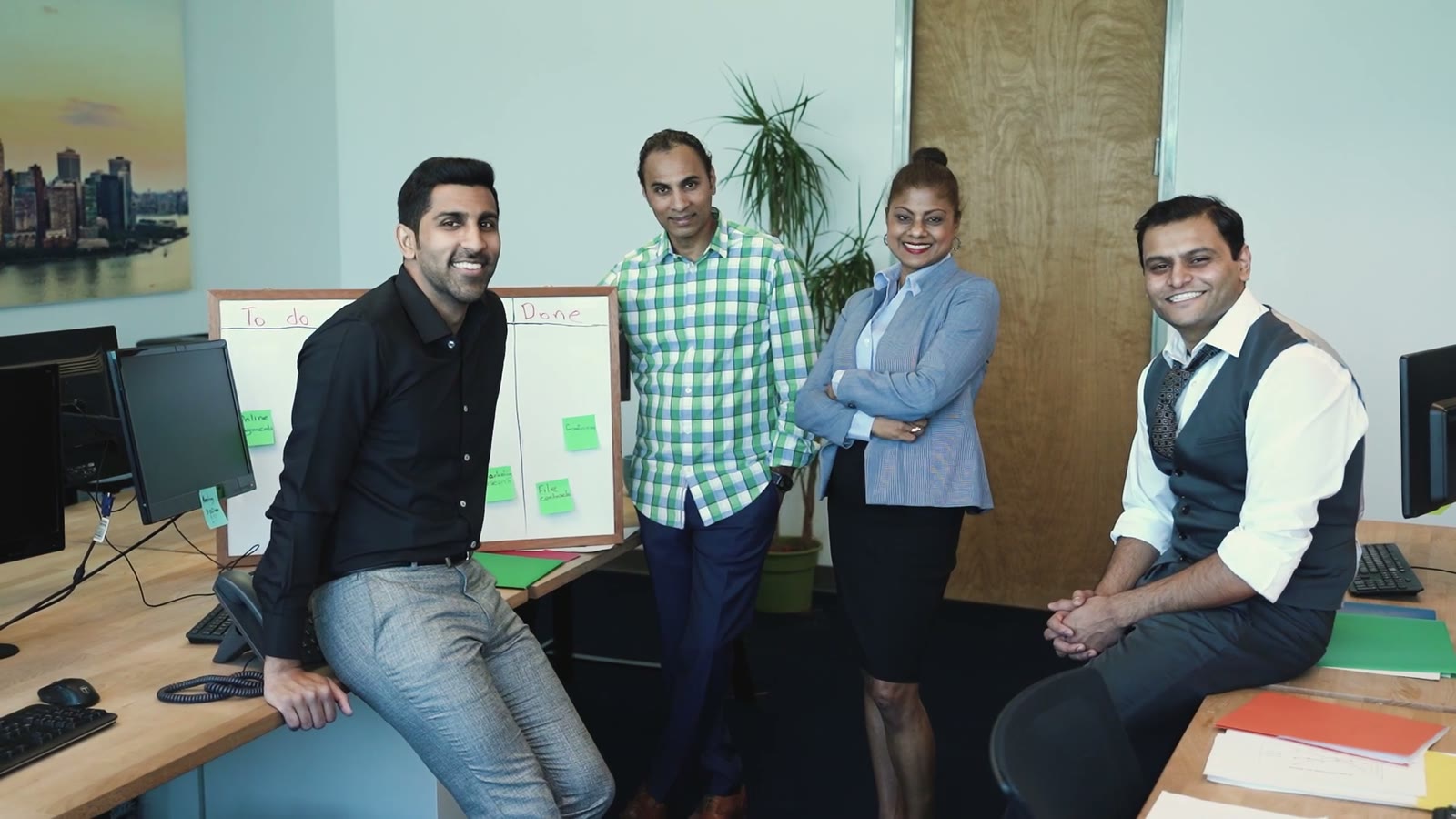
Change Any Scene, Then Download
Slenvox makes the first draft. On the review page you change the footage, the layout, the graphics and the subtitles, and see each change in the preview.




Swap the footage or photo of any scene: upload, stock footage or AI imagery.
Graphics only, footage only, or both side by side, with the split you choose.
Change the words, colors and icons of any motion graphic.
Font, colors, highlight and position, or one word at a time.
Trim where a clip starts and ends, mute its sound and pick the transition.
Download an MP4, or export for Premiere Pro, DaVinci Resolve or Final Cut Pro.
Edit a Line, Hear It Again
Change the words of a scene and its narration is made again in the same voice. The rest of the video stays as it is.
Music and Transitions
Pick the background music and its volume, and choose how one scene changes to the next.
Export for Pro Editing
Export the clips and a timeline file that Premiere Pro, DaVinci Resolve and Final Cut Pro open directly.
Download in HD
Download an MP4 in 1080p on paid plans, or in 720p on the free plan.
Ready for Teams and Companies
From one person on the free plan to a company that makes videos every week.
Plans by the Minute
Each plan includes a monthly amount of video minutes, from the free plan to Business. There are no per-video charges.
See PricingYour Videos Stay Yours
You own the videos you make. Projects and files are visible only to your account, or to your workspace on Team and Business plans.
Read the Privacy PolicyEnterprise
For larger teams and custom needs, book a demo and we will walk through Slenvox with your team.
See EnterpriseFrequently Asked Questions About Slenvox Features
Have a question that is not here? Contact us
What can I turn into a video?
A topic, a script, a PDF, a PowerPoint file, up to 3 web links, or your own clips and photos with a short description of the video.
Which visual styles can I choose?
Five: stock footage, AI imagery, motion graphics only, motion graphics with stock footage, and motion graphics with AI imagery.
Which languages and voices are there?
22 languages for the script, the narration and the subtitles, and 142 natural AI voices in many accents. Any voice can narrate any language, and My Voice adds your own.
Can I change the video before it is final?
Yes. First review and edit the script. Then, on the review page, change scenes, footage, motion graphics, voice, music, subtitles and layout. Nothing is final until you finalize it.
Can I edit my video in Premiere Pro, DaVinci Resolve or Final Cut Pro?
Yes. Export for Pro Editing gives you the clips and a timeline file these editors open directly.
Which sizes can I download?
MP4 in five shapes: 16:9, 4:3, 1:1, 4:5 and 9:16, for websites, presentations, LinkedIn, Instagram, YouTube and TikTok. 1080p on paid plans, 720p on the free plan.
How long can a video be?
Up to 60 minutes on Max, Team and Business, 30 minutes on Pro, 15 on Plus, and 5 on Lite and Free.
Is it free to try?
Yes. The free plan gives you 5 minutes of video once, enough for one video of up to 5 minutes, at 720p with a watermark. No credit card is needed.
Turn Your Next Document Into a Finished Video
Start on the free plan. No credit card needed.

