




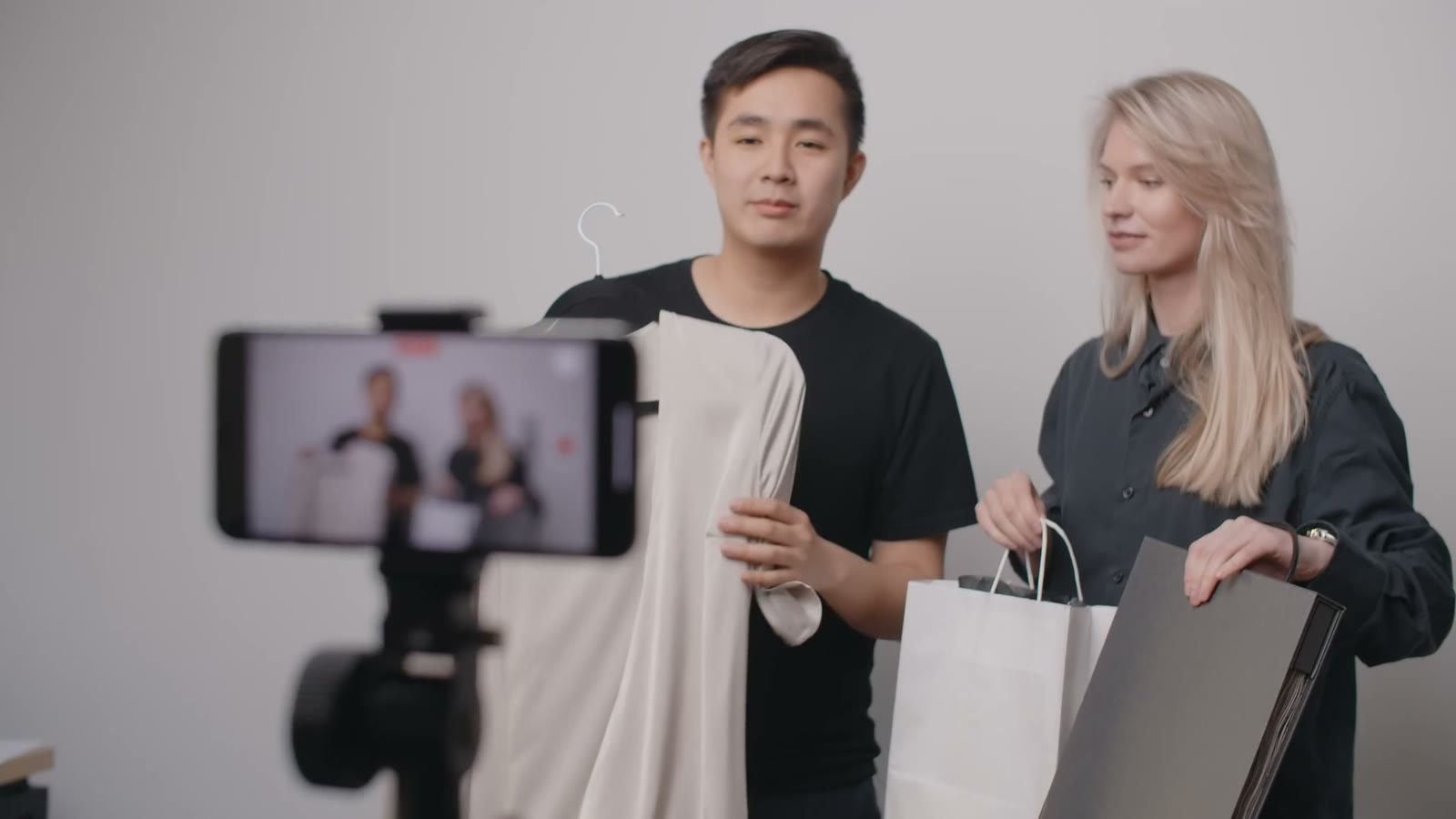
Shared Workspace
On Team and Business plans, brand kits, asset libraries and projects are shared across the workspace.
Turn a product page, a campaign brief or a blog post into a narrated video with motion graphics and real footage, in five shapes and 22 languages. On Team and Business plans, the whole marketing team works in one shared workspace.
Free planNo credit card needed
 Made with Slenvox
Start from the campaign material on hand
Running campaigns across channels from one workspace? Talk to us about the Team and Business plans.
Book a DemoOn Team and Business plans, brand kits, asset libraries and projects are shared across the workspace.

Max, Team and Business plans make videos of up to 60 minutes. Pro makes up to 30, and Plus up to 15.
Slenvox claims no ownership of the videos or uploads. Use, publish and change them as you like.

Projects and files are visible only to the account, or to the workspace on Team and Business plans.
A campaign needs a video for each channel, each shape and each market. Filming all of them is where most plans stop.
BeforeOne or two videos a quarter, because each one is a shoot
BeforeRe-cutting and resizing every video by hand for each channel
BeforeColors, fonts and logos that drift with every freelancer
BeforeA brief, a shoot, an edit and two rounds of changes
BeforeAn agency bill, a shoot day and stock licenses for each video
Four kinds of video, each started from something the team has already written.
Paste the product page or write the brief in a few lines. Slenvox writes the script, picks the footage and builds the ad in the shape the channel needs.
See Marketing and Ad VideosMake the vertical cut for Reels, Shorts and TikTok from the same campaign, with subtitles that follow each word.
See Social Media VideosTurn a feature page into a short explainer that shows what the product does, step by step, instead of a wall of text.
See Product ExplainersTurn help articles and getting-started guides into videos that sit on the page, so new customers watch instead of read.
See Customer EducationFrom the page already written to a video for every channel the team posts on.
Order this week and get twenty percent off.
Order this week and get twenty percent off.
इस हफ़्ते ऑर्डर करें और बीस प्रतिशत की छूट पाएँ।
Pide esta semana y obtén un veinte por ciento de descuento.
今週のご注文で20%オフ。
اطلب هذا الأسبوع واحصل على خصم عشرين بالمئة.
Paste a product page or write the brief in a few lines. Slenvox writes the script first, so the team can check it before the video is made.
Keep every campaign on brand, in one voice, and quick to change.
Save a logo, colors, fonts, an intro, an outro and music once, and apply them to any video.
Upload company photos, clips and documents once. Slenvox places them in the scenes where they fit.
Choose from 142 natural AI voices in many accents, or narrate in your own voice with My Voice.
Change the footage, graphics, layout and timing of any scene on the review page before you finalize.
Subtitles are added automatically in the video language. Change their style, or turn them off.
Download an MP4, or export the clips and a timeline file that Premiere Pro, DaVinci Resolve and Final Cut Pro open directly.
Example videos for campaigns, launches, product pages and customer help, each made from a page, a brief or a topic.
Yes. Paste a product page, write the brief in a few lines, or upload a case study. Slenvox writes the script, narrates it with a natural AI voice and builds the scenes from motion graphics and real footage. You check the script and each scene before you finalize.
No. Slenvox writes the script, narrates it with a natural AI voice, and builds the visuals from motion graphics and stock footage. You can add your own files whenever you want.
MP4 in five shapes: 16:9, 4:3, 1:1, 4:5 and 9:16, for websites, presentations, LinkedIn, Instagram, YouTube and TikTok. 1080p on paid plans, 720p on the free plan.
Yes. Slenvox makes videos in 22 languages, with the script, the narration and the subtitles in the same language. To make the same video in another language, create it again from the same page with that language selected.
Yes. The footage comes from Pexels and Pixabay, matched to each line of the script. Both licenses allow commercial use, and our terms let you use, publish and monetize your finished videos.
Yes. The free plan gives you 5 minutes of video once, enough for one video of up to 5 minutes, at 720p with a watermark. No credit card is needed.
A 30-minute video call with the Slenvox team. See how Slenvox works and get answers about plans.
Pick a TimeSlenvox TeamSlenvox Demo30mGoogle MeetYour time zonePick a day to see the open times.
Start on the free plan. No credit card needed.
 Launch
 Offer
Offer How-to
 Story
Story Update



