Free Video Ideas
Generator
Tell us what your channel or course is about. Get ten video ideas with titles and angles, and turn any of them into a video in one click.
More free tools for people who make videos
See the Ideas It Comes Up With
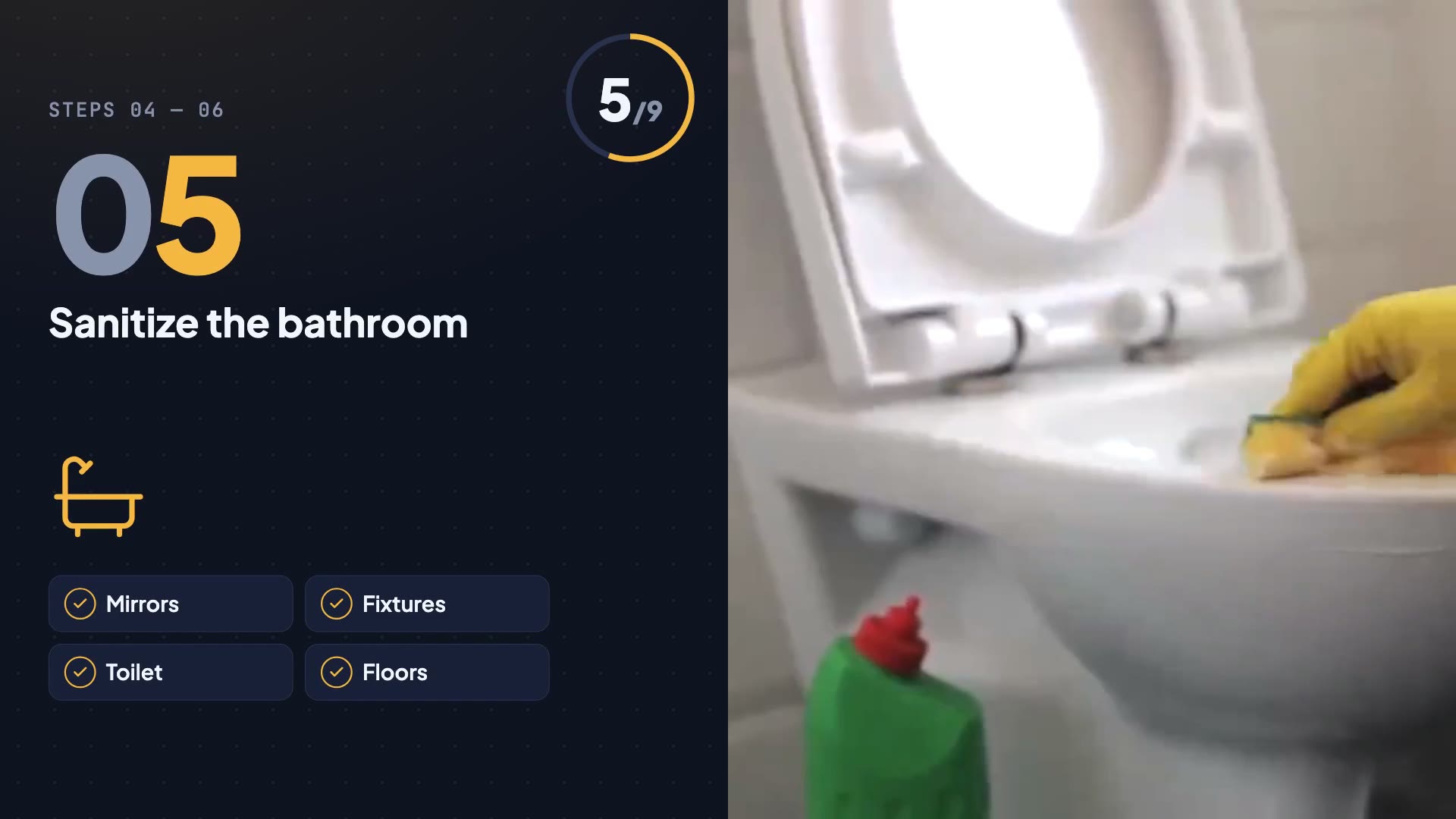
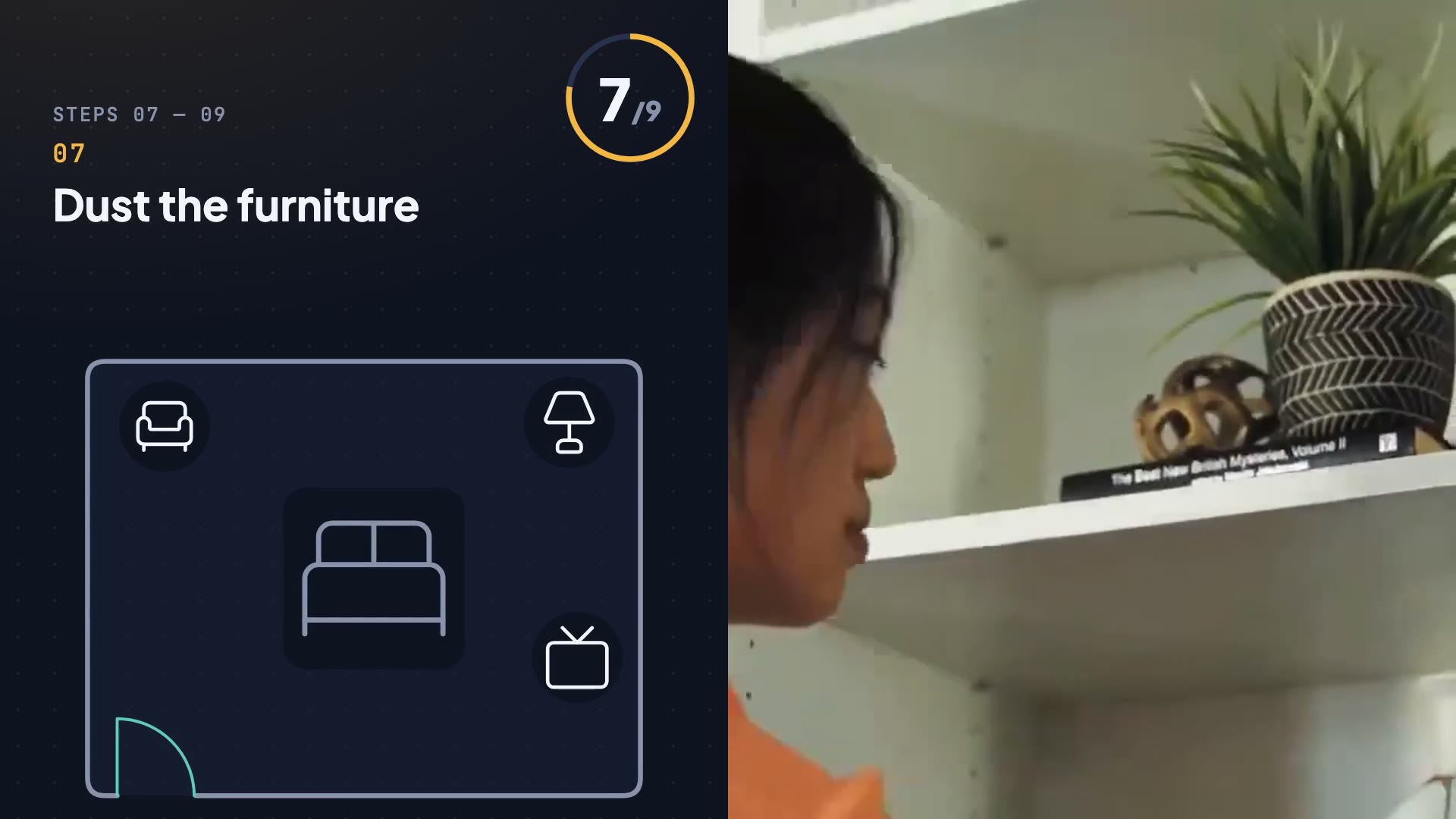
One idea from each of three runs, copied as it came back. Every run gives ten.

The Birth of Coffee: How a Goat Herder Changed the World
Why Your First Paycheck Feels Smaller Than You Expected (Taxes Explained)
Ten Video Ideas, Ready to Plan
Describe your niche once and get a list you can plan weeks of videos from.
Ten Ideas
Ten Video Ideas for Your Niche in One Run
- Ten ideas for each run, different enough that they do not overlap
- A mix of lasting topics and timely ones
- Each idea has a title you can copy straight into your plan
Angles
Every Idea Comes With an Angle
- One or two sentences on what the video covers and how
- A short note on why the idea could work with viewers
- Enough to brief a colleague or start a script
Content Styles
Choose the Kind of Video You Make
- Five styles: Documentary, Explainer, Listicle, Deep Dive and How-To
- The style shapes every title in the list
- Run the same niche with two styles to fill a month of videos
From Idea to Video
Turn Any Idea Into a Video in One Click
- Press Make This Video under any idea and the create page opens with the title filled in
- Slenvox writes the script, records the narration and builds every scene
- Motion graphics and real footage, in any of 22 languages
Why Plan Video Ideas Ahead
A list of good ideas makes it easier to publish on a schedule.
Publish on a Schedule
Ten ideas can become weeks of videos. Picking the next topic stops being the hard part.
Find Angles You Missed
The tool suggests angles on your subject you may not have thought of, from history to step-by-step guides.
Make the Best Ones First
Compare titles and angles side by side and start with the videos you are surest about.
From Niche to Plan in Seconds
How to Use the Video Ideas Generator
1Describe Your Niche
Write what your channel or course is about, like workplace safety or personal finance for first jobs.
2Pick a Style and Generate
Choose Documentary, Explainer, Listicle, Deep Dive or How-To, then press Generate Ideas.
3Make the Video
Copy the titles you like, or press Make This Video to start one in Slenvox. You can also write the full script first.
Use Cases
Who Is the Video Ideas Generator For?
The hardest part of publishing often comes before the video: deciding what to make next. The Ideas Generator gives you ten starting points in seconds.
Teams use it to plan training series, product content and class videos, then make the best ideas in Slenvox.

Learning and Development
Plan a training series around one subject, one short video at a time.

Marketing Teams
Fill a content calendar with video topics around your product and your buyers.


Compliance Teams
List the safety and policy topics that each deserve their own short video.


One Platform to Create and Edit Videos
Everything a team needs to make videos that look and sound like the company.
Save a logo, colors, fonts, an intro, an outro and music once, and apply them to any video.
Upload company photos, clips and documents once. Slenvox places them in the scenes where they fit.
Choose from 142 natural AI voices in many accents, or narrate in your own voice with My Voice.
Change the footage, graphics, layout and timing of any scene on the review page before you finalize.
Subtitles are added automatically in the video language. Change their style, or turn them off.
Download an MP4, or export the clips and a timeline file that Premiere Pro, DaVinci Resolve and Final Cut Pro open directly.






Video Ideas Generator Questions
Have a question that is not here? Contact us
Is the Video Ideas Generator free?
Yes. You can use it once a day without an account. Sign up free and use it as often as you like.
What do I get from one run?
Ten video ideas, each with a title, a one or two sentence angle and a short note on why it could work.
What should I write as my niche?
The broad subject of your channel or course, like workplace safety or personal finance for first jobs. The tool returns ten different videos you could make inside it.
Which content styles can I choose?
Documentary, Explainer, Listicle, Deep Dive and How-To. The style shapes every idea in the run.
Are the facts in the ideas checked?
No. A title can include a number or an event, like a dollar figure or a date. Check the facts before you make the video.
Can I turn an idea into a video?
Yes. Press Make This Video under any idea. The create page opens with the title filled in, and Slenvox writes the script from it.
Do I need to credit Slenvox?
No. Everything the tool writes is yours to use.
Can Slenvox make the video too?
Yes. Slenvox turns a topic, a script, a PDF, a PowerPoint file or a web page into a narrated video with motion graphics and real footage. The free plan needs no credit card.
Video Intelligence Layer for Business
Not Just an Ideas Generator
The Ideas Generator is one of five free tools for people who make videos. Write a full script, get hooks for the first seconds, get titles, tags and a description or make a thumbnail.
Slenvox itself turns an idea into a finished video: script, narration, motion graphics, real footage, music and subtitles, in 22 languages. You review every scene before you download.