Most AI video tools stop at 60 seconds. They'll make you a slick TikTok or a polished Instagram Reel, and then leave you hanging when you actually need a real YouTube video. We spent the last year solving this problem — and it turns out, long-form AI video isn't just possible. It's already here.
If you've been watching the AI video space, you've probably noticed something: nearly every tool on the market is built for short-form. Synthesia does talking heads. Runway does 10-second clips. Sora generates gorgeous but brief visual sequences. Nobody seems interested in the thing that actually pays creators — a 10-minute YouTube video with narration, music, and cinematic visuals.
That's what we built Slenvox for. And in this guide, we're going to walk through exactly how to go from a rough topic idea to a polished, published YouTube video — in minutes, not weeks.
Why Long-Form Still Runs YouTube
Let's get this out of the way: Shorts are great for discovery. They bring new eyes to your channel. But they don't pay the bills. YouTube's own data shows that long-form content generates 5-10x more ad revenue per view than Shorts. The algorithm pushes watch time, and you can't accumulate meaningful watch time in 60 seconds.
The channels making real money — the documentary creators, the explainer channels, the educational content producers — they're all doing 8-20 minute videos. The problem is that these videos are brutally expensive to produce. A single well-produced 10-minute video can take 20-40 hours of work across scripting, filming or sourcing footage, editing, adding music, and polishing.
AI doesn't just speed this up. It collapses the entire workflow into a single step.
The Workflow: Topic to Published Video
Here's what the process actually looks like. No sugarcoating.
Step 1: Start With a Topic, Not a Script
You don't need to write a full script. You don't even need an outline. Give the AI a topic and some direction — "The untold history of coffee, from its discovery in Ethiopia to becoming the world's most traded commodity" — and let it handle the writing. Not sure what to make? Our Ideas Generator can help you find trending topics in your niche in seconds.
The AI generates a complete script broken into logical sections. Each section becomes a scene with its own narration, visuals, and pacing. You can review the script before anything gets produced, so you're never locked into something you don't like.
Step 2: Configure Your Video
This is where you make it yours. Choose the video type (documentary, explainer, tutorial), pick a narrator voice that fits your channel's vibe, set the duration, and select whether you want subtitles, background music, or text overlays.
One thing we've learned from watching thousands of videos get generated: the narrator voice matters more than almost anything else. A warm, conversational voice makes documentary content feel like a Netflix series. A crisp, technical voice makes explainers feel authoritative. Spend 30 seconds choosing the right one.
Step 3: Let the Pipeline Run
You can also start with a pre-written script if you want more control over the narrative — use our Script Generator to create one from scratch, then feed it into the video pipeline.
This is the part that feels like magic if you've ever edited a video manually. The system:
- Generates narration for each script section using AI voice synthesis
- Finds and selects visually relevant footage for every sentence
- Syncs the visuals to the narration timing
- Adds background music that matches the video's tone
- Layers in subtitles and keyword highlights
- Assembles everything into a cohesive final video
For a 10-minute video, this typically takes 5-8 minutes. You'll see a progress tracker showing each stage as it completes.
Step 4: Review and Refine
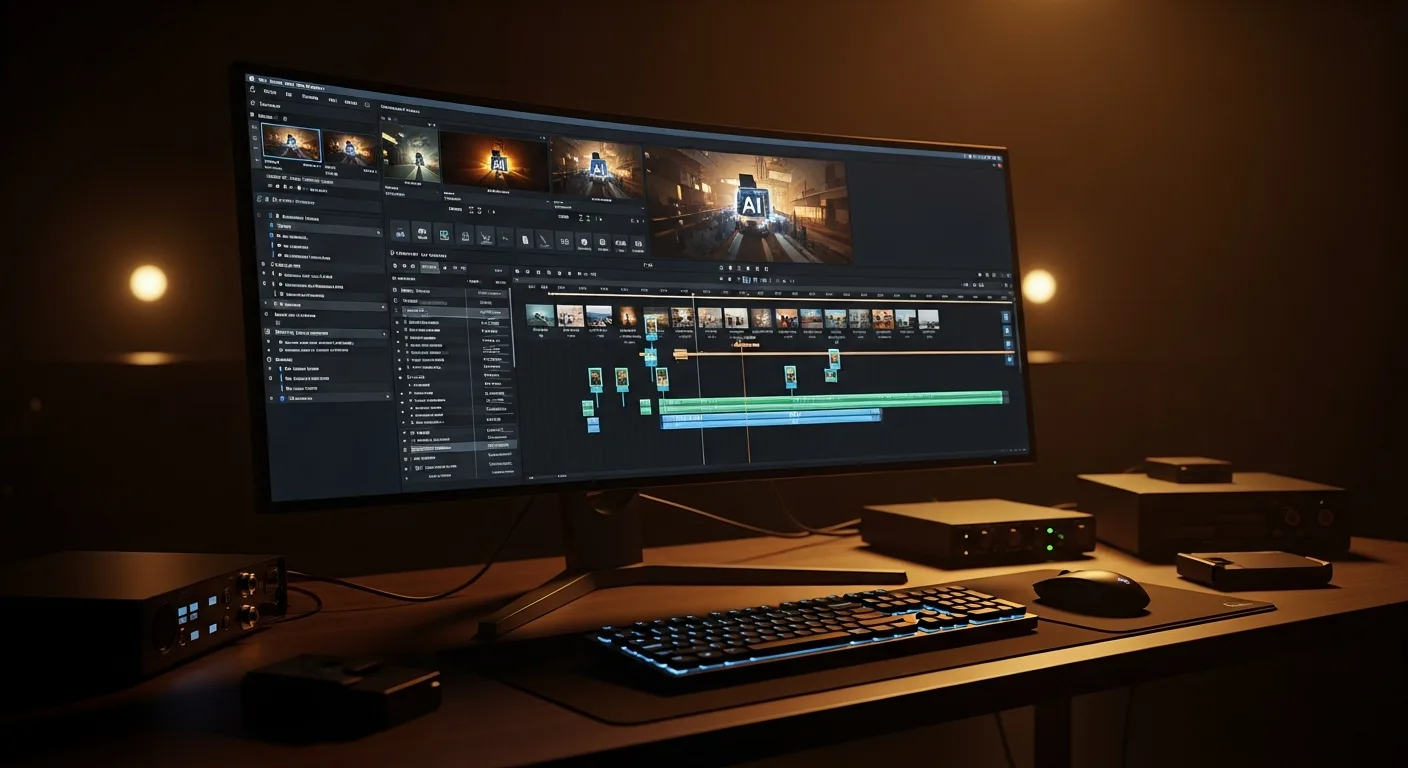
Here's where AI video tools usually drop the ball — they give you a finished product with no way to adjust it. We built Slenvox with scene-by-scene editing. Don't like the footage in scene 4? Swap it. Want to adjust the music? Change it. Every scene is independently editable, so you're never re-generating the entire video to fix one moment.
This is the difference between "AI-generated" and "AI-assisted." You keep full creative control.
What Actually Works (And What Doesn't)
After watching thousands of videos get produced on our platform, here's what we've learned about which kinds of long-form content AI handles best:
Works brilliantly:
- Documentaries and history content — AI excels at finding relevant stock footage for narrative topics. History, science, nature, true crime — anything where the visuals illustrate a story rather than show a specific person or event.
- Explainer videos — "How does X work" videos play perfectly to AI's strengths. The narration explains, the visuals illustrate, and the pacing keeps viewers engaged.
- Educational content — Course modules, lecture supplements, study guides. The structure is predictable, and AI handles structured content extremely well — see our full guide for teachers and course creators.
Works with some effort:
- Marketing and product videos — These need more hands-on refinement because they require brand-specific messaging and precise visual choices.
- Tutorials and how-tos — Great for concept explanations, but if your tutorial needs screen recordings or specific product shots, you'll need to supplement the AI output with your own footage.
The Economics
Let's talk numbers, because this is where it gets interesting.
A freelance video editor charges $200-$500 for a 10-minute video, depending on complexity — we break down the full cost comparison here. A production agency charges $1,000-$5,000. If you're publishing 3 videos per week, you're looking at $2,400-$6,000+ per month just for editing.
With AI video generation, that same output costs a fraction of that. And instead of waiting 3-5 days per video turnaround, you get results in minutes. The math isn't close.
This doesn't mean AI replaces every aspect of video production. If you're a vlogger who thrives on personality and face-to-camera content, AI video generation isn't your tool. But if you're building a content brand around information, stories, or education — it's the biggest leverage available right now.
Getting Started
The barrier to entry has never been lower. You don't need editing software, stock footage subscriptions, or voice-over artists. You need a topic and 10 minutes.
If you've been sitting on a YouTube channel idea — a history channel, an educational series, a documentary project — this is the moment to start. The tools exist. The quality is there. Start with the outline — the free Script Generator will draft one in under a minute, and the free plan covers your first video. And while everyone else is still arguing about whether AI video is "good enough," the smart creators are already publishing.
Want to see it in action? Try generating a video — it's free to start, and you'll have your first video in under 10 minutes.