Your biggest client wants 30 videos this quarter. You have two people on the creative team, a freelance editor who's already over capacity, and a retainer that hasn't grown since 2024. Sound familiar? This is the reality for most marketing agencies right now — juggling video demand across every client account with no realistic way to keep up. AI video generation doesn't just help. It fundamentally changes what's possible.
Every platform wants video. LinkedIn organic reach is 3x higher for video posts. Instagram prioritizes Reels. YouTube Shorts are eating TikTok's lunch. One client wants product walkthroughs. Another wants a thought leadership series. And your paid media lead just found out that video ads convert 2-3x better than static images across three client accounts — but needs 15 variants by Friday, for each of them.
The demand isn't slowing down. It's accelerating. The question isn't whether your agency needs to produce more video per client — it's how you do it without tripling your headcount, or turning down the next client because you're already at capacity.
The Old Way Is Broken
Let's be honest about what "producing a marketing video" actually looks like for most agencies today:
- Creative brief — 1-2 days of back-and-forth between you, the client, and their stakeholders
- Scriptwriting — 1-3 days, plus revision cycles
- Storyboarding — Another day or two if the video has any visual complexity
- Production — Filming, sourcing stock footage, recording voice-overs. 3-5 days minimum.
- Editing — 2-5 days depending on complexity, then 1-2 rounds of revisions
- Approval — 1-3 days chasing sign-offs
That's 2-3 weeks per video, best case. If a client needs 30 videos in a quarter, you'd need 2-3 videos in production simultaneously at all times, each at a different stage — for that one account. That requires a team of 4-6 people just to keep pace, which is headcount most agencies can't justify for a single client.
Most agencies don't have it. So what actually happens? You produce 5-8 videos instead of 30 — for one client, while two others are waiting. Their social channels recycle the same clips. Their sales team uses a product demo from 2024. And the agency down the street — the one that figured out how to scale video — wins the account at renewal. The clients you had to say no to go to whoever can say yes.
The AI-Powered Content Factory
Here's what the same workflow looks like when AI handles the production:
- Brief — Write a 2-3 sentence description of what you need (5 minutes)
- Script — AI generates a complete script from your brief. Review and tweak. (10 minutes)
- Production — AI generates narration, selects visuals, assembles the video (5-10 minutes)
- Review — Watch, swap any scenes you don't love, adjust pacing (10 minutes)
- Export and distribute — Done (5 minutes)
Total: 30-40 minutes per video. Not 2-3 weeks. Not even 2-3 days. Under an hour from idea to finished asset.

This isn't theoretical. Agencies using AI video generation are producing 10-15 videos per week across their client accounts with the same headcount that used to produce 2-3 per month. The math is simple: when production time drops by 95%, output scales by 20x.
Need a starting point for your marketing scripts? Our free Script Generator is built specifically for this — give it a product, audience, and tone, and it writes a production-ready script in seconds.
Building Your AI Video Workflow
Scaling from "we tried an AI video tool once" to "we have a systematic content machine" requires a workflow. Here's the one that works.
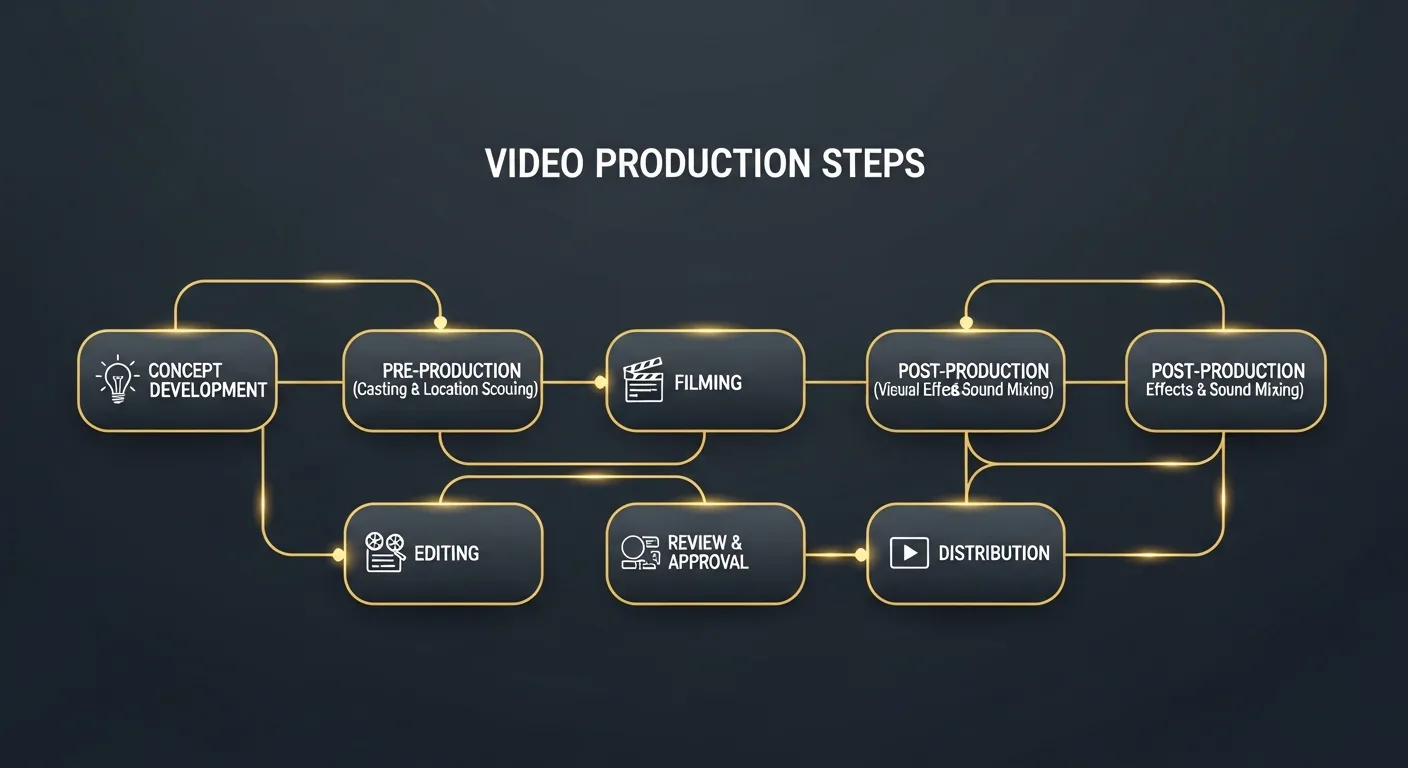
Step 1: Build a Content Calendar Around Campaigns
Don't generate videos randomly. Map your video needs to your actual marketing calendar — product launches, seasonal campaigns, trade shows, webinars, sales enablement. For each campaign, identify every video asset you need:
- 1 hero video (60-90 seconds, high production value)
- 3-5 social cuts (15-30 seconds each, platform-specific)
- 1 product explainer or demo walkthrough
- 2-3 ad variants for A/B testing
- 1 recap video for the client's internal stakeholders
That's 8-11 video assets per campaign — per client. With traditional production, that's a month of work, times however many accounts you run. With AI, it's a single afternoon, whether it's one client or five.
Step 2: Create Templates for Recurring Formats
Most marketing videos fall into repeatable categories. Set up preset configurations for each:
- Social clips: 30 seconds, fast pacing, bold text overlays, vertical format
- Product explainers: 2-3 minutes, professional narrator, clean visuals
- Ad creatives: 15-30 seconds, hook-heavy, multiple variants
- Thought leadership: 5-8 minutes, authoritative tone, documentary style
- Internal comms: 3-5 minutes, warm and approachable narrator
Once your templates are dialed in, producing a new video in any category takes minutes because most of the decisions are already made. Pair each template with the client's own per-client brand kit — logo, colors, fonts, intro and outro — so every video that comes out the other end already looks like it was made in-house for that client.
Step 3: Batch Production Days
This is the move that separates agencies dabbling with AI from agencies that have actually transformed their output. Dedicate one day per week — or even one morning — to batch-producing video content across every client account for the week or month ahead.
Step 4: Repurpose Everything
One 3-minute product explainer can become five 30-second social clips, three ad variants, and a GIF for email. Every video you create should be treated as raw material for 3-5 additional assets. Our Promote tool generates YouTube titles, descriptions, tags, chapter timestamps, and social media posts from your completed videos.
What Types of Marketing Videos Does AI Handle Well?
Not every marketing video is a good fit for AI generation -- yet. Here's an honest breakdown of where it excels and where it doesn't.
AI Excels At:
- Social media content — Short-form videos for LinkedIn, Instagram, TikTok, and YouTube Shorts. The volume demands are insane, the shelf life is 48 hours, and the quality bar is "good enough to stop the scroll." AI nails this — see our platform-by-platform social video strategy.
- Product explainers and walkthroughs — Narration over relevant visuals explaining what your product does and why it matters. Perfect for landing pages, sales decks, and onboarding sequences.
- Ad creative variants — Need 10 versions of the same ad with different hooks, different CTAs, or different audience angles? AI generates variants in minutes. Your paid media team can test more, learn faster, and scale winners immediately.
- Thought leadership and educational content — "5 trends reshaping B2B marketing in 2026" or "How supply chain automation reduces costs." These documentary-style videos build brand authority and perform brilliantly on LinkedIn and YouTube.
- Client reporting and recap videos — Monthly performance recaps, campaign wrap-ups, quarterly business reviews. These need to be clear and professional, not cinematic. AI handles them perfectly, and a client remembers a video recap longer than a slide deck.
- Event and webinar promotion — Short teaser videos that drive registrations. Easy to template, fast to produce, and surprisingly effective at boosting attendance rates.
Still Needs a Human Touch:
- Brand anthem videos — A client's founding story deserves human craft. Use AI for the other 95% of their content.
- Customer testimonials — Real people on camera telling their story. Can't (and shouldn't) be automated.
- Live product demos — If you need to show specific UI interactions or real-time product functionality, screen recordings with a human presenter still win.
The Cost Advantage: Real Numbers
Let's put actual figures on this because "it saves money" isn't convincing enough when a client is comparing your rate card against a freelancer's. For the consumer-side version of this math, see our AI vs. hiring an editor cost breakdown.
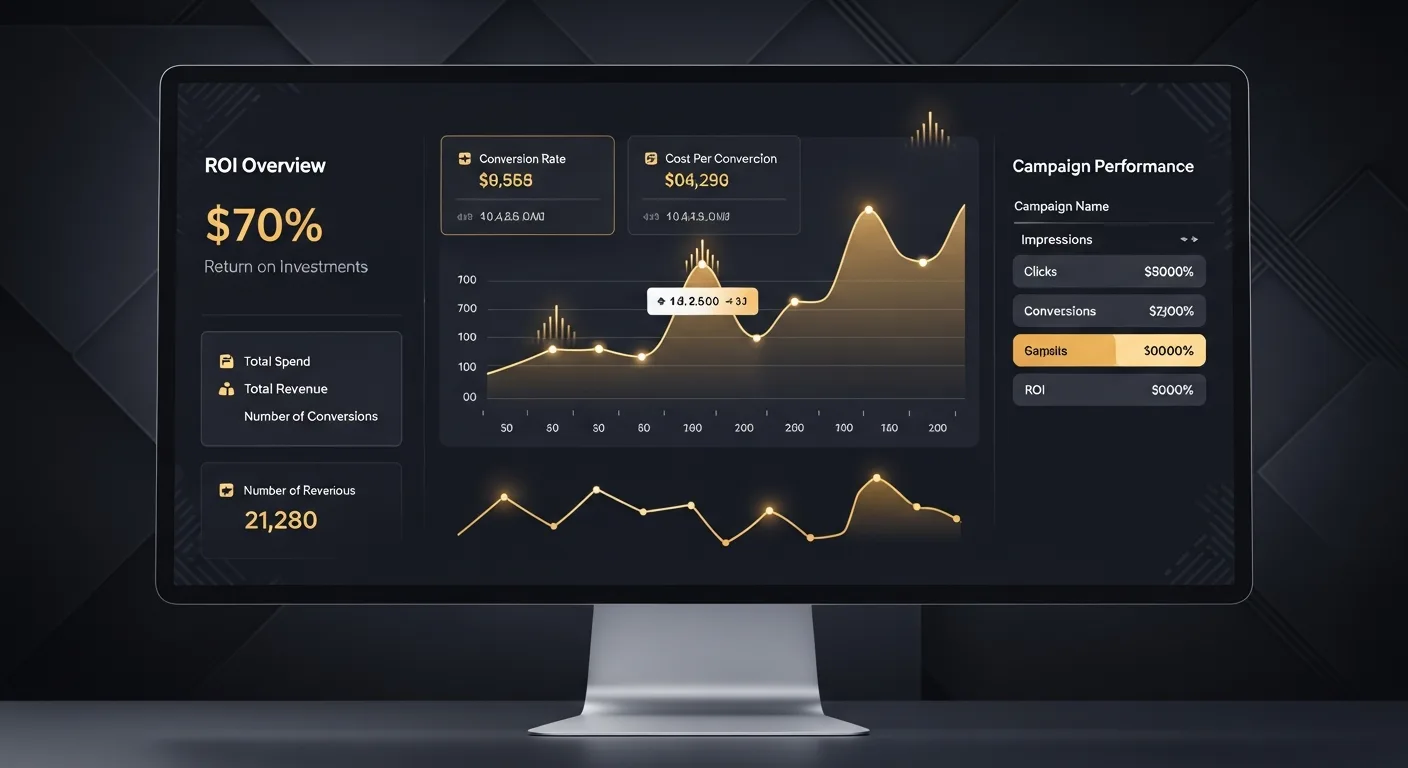
What It Costs You Today, Per Client Video
Based on industry averages for what an agency pays to produce one client video:
- Freelance editor, per video: $300-$800
- An extra in-house editor, if you hire one: ~$4,000-$6,000/month fully loaded, covering roughly 8-12 videos across your accounts
- Stock footage subscriptions: $200-$500/month
- Voice-over talent: $100-$500 per video
For an agency producing 20 videos a month across its client accounts, the fully loaded cost is typically $6,000-$16,000/month depending on how much of it you outsource to freelancers versus staff in-house.
AI-Powered Production Costs
- Slenvox subscription: pick the tier that matches your monthly video volume across every client account — see the plan lineup for exact minutes and pricing per tier
- Human review time: ~30 minutes per video at $50/hour = $25 per video
Add it up across your accounts and it's a cost reduction of 75-92% compared to traditional methods, while producing 2-5x more content. Run the numbers for your specific client volume and output goals — the savings are usually even larger than people expect because they forget to factor in coordination overhead, revision cycles, and opportunity cost.
How to Get Started: A Practical Playbook
You're not going to overhaul your entire video production workflow overnight, and you shouldn't try. Here's a phased approach that works.
Week 1: Prove the Concept
Pick one low-stakes video need for one client — maybe a social clip or a campaign recap — and produce it with AI. Show the result to your team. The goal isn't perfection. It's demonstrating that a 30-minute process can replace a 2-week process with comparable quality.
Week 2-3: Build Your Templates
Identify your top 3-4 recurring video formats (social clips, product explainers, ad variants, thought leadership). Create a template configuration for each one — preferred narrator voice, visual style, duration, pacing. This is a one-time investment that pays dividends on every future video.
Week 4: Run a Batch Day
Block a 4-hour session and produce an entire week's worth of video content across two or three client accounts. Track your time and output. Compare it against what your team typically produces in a week. Share the numbers with leadership.
Month 2+: Scale and Optimize
Once you've validated the workflow, start redirecting your traditional video production budget. Use AI for volume content (social, ads, internal comms) and reserve human production for premium assets (brand videos, testimonials, flagship campaigns). This hybrid model gives you the best of both worlds.
The Bottom Line
Marketing agencies don't have a creativity problem. They have a production bottleneck. Every agency we talk to has more client video ideas than they can execute. More campaigns that should include video but don't, because it's too slow and too expensive to produce for the retainer the client is paying. More platforms demanding content than one editor can feed.
AI video generation removes the bottleneck. It doesn't replace your team's strategic thinking, brand voice, or creative direction. It replaces the 90% of production time that was spent on execution — sourcing footage, editing timelines, waiting for renders, chasing revisions.
The agencies that adopt AI video production now will have a 6-12 month head start on the ones still scheduling "explore AI tools" on next quarter's roadmap — a head start measured in the clients they kept and the ones a slower competitor couldn't take from them. Start building yours today.
See how much your agency could save across every client account. Calculate your video production savings with our free ROI Calculator — plug in your current costs and output, and get a clear picture of the math.